








Innovative and simple to use
 Dock
Truly Your Dock.
More Personal. More Productive
New LaunchMe Feature

Customize
with no limits
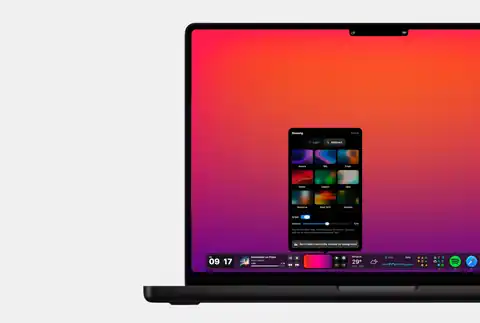
LaunchMe Dock is reimagined way to use your dock.
Any color or glass style, widgets, layout and even Dock Spaces
gives you unlimited ways to design unique tool for your Mac.
Activate LaunchMe Dock in Settings and it will automatically hide system Dock
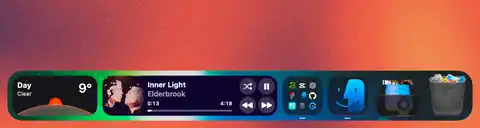
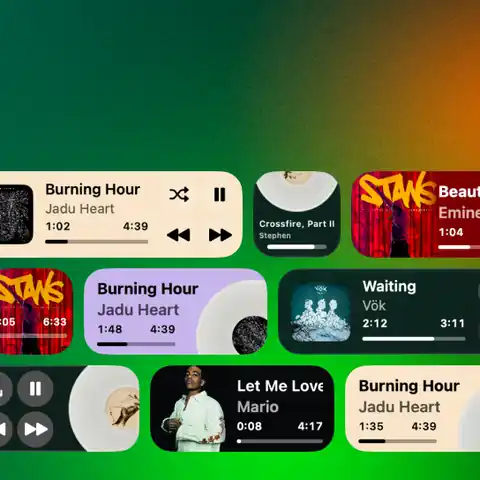
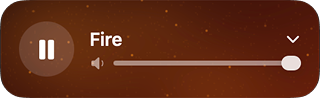
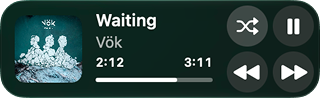
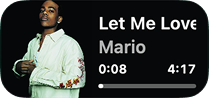
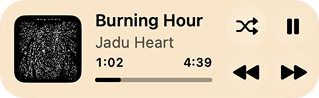
Music widgets
Apple Music & Spotify
Different Sizes and Styles
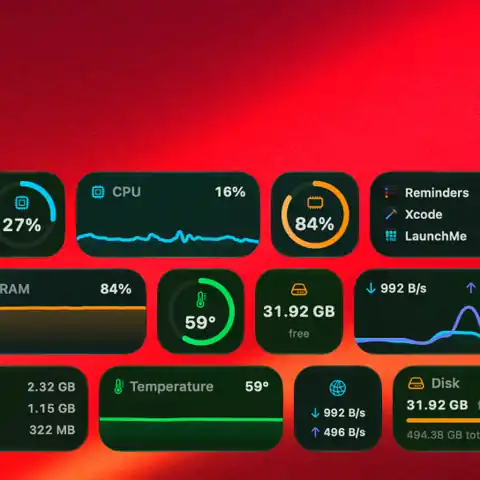
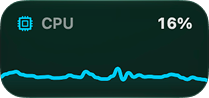
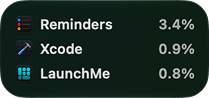
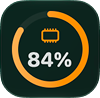
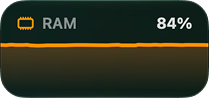
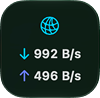
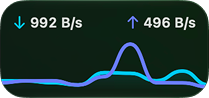
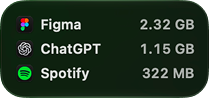
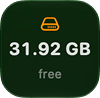
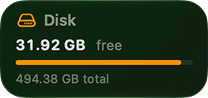
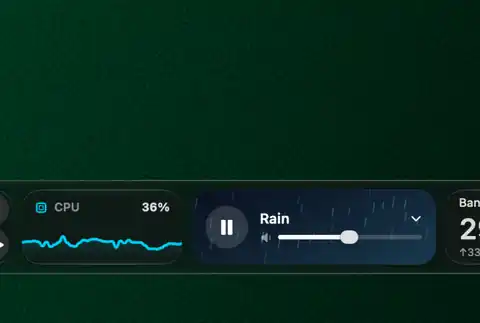
System stats
Check your Mac stats
with compact widgets
Active Apps folder
With LaunchMe Dock you don't need to keep all app icons in main layout.
All active apps automatically appear in Active Apps Folder.
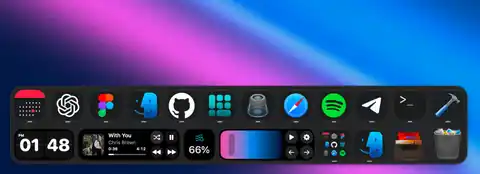
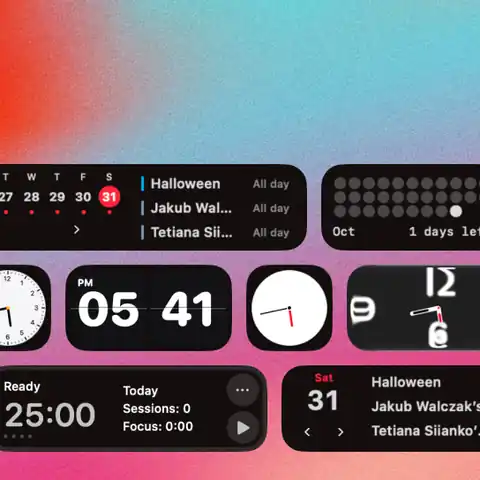
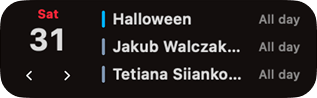
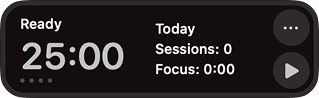
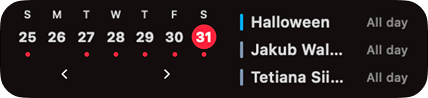
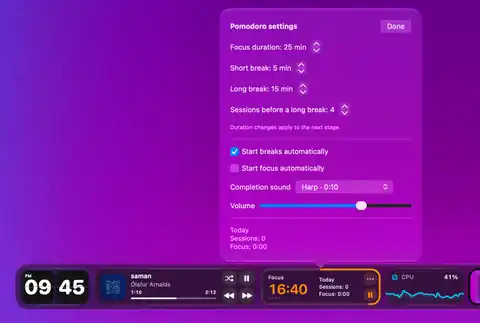
Manage your time
Calendar, Clock, Pomodoro
always in the place
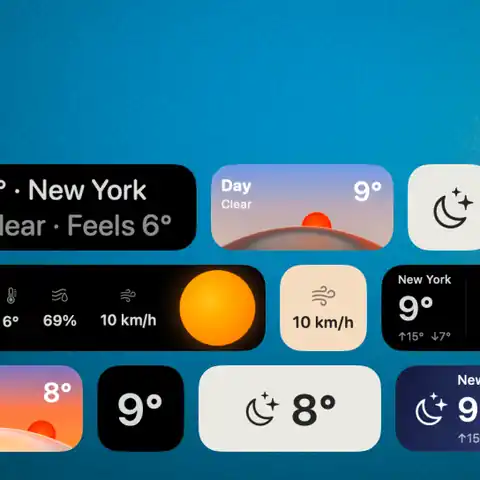
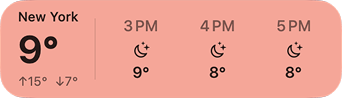
Weather
Beautiful. Functional.
Customizable.
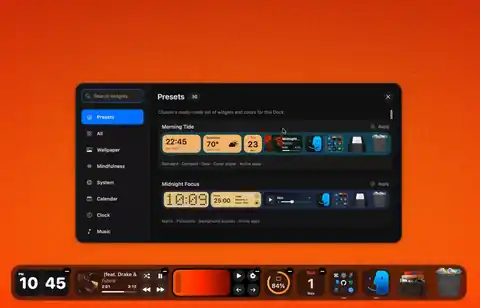
Widgets and Presets
Tons of ready made presets with different color styles and widgets.
Choose the one you like and your Dock is ready in one click
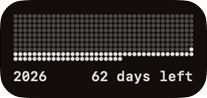
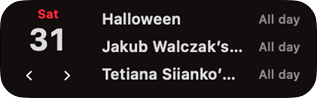
Pick what you want
Bring your favorite widgets together.
Mix, match, and make a Dock that’s entirely yours.




























Dock Spaces
A Dock for every part of your day.
Save your favorite setups and switch between them.
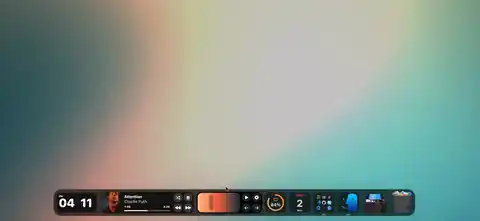
Unique Dock
for each monitor
Your workspace goes beyond one screen.
Give every display its own Dock, apps, and widgets.

Small but important
Every little detail
makes it all delightful
Discover all tons of details and small features that makes your Mac even more responsive, reliable and easy to use
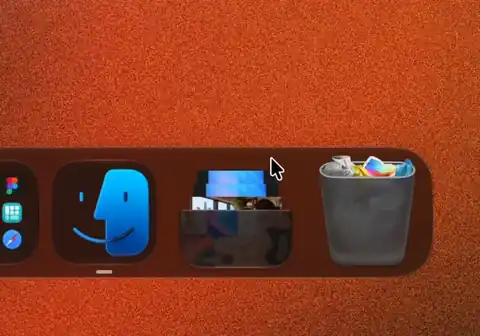
Downloads Folder. Smooth icon animation with a glass style designed by LaunchMe from scratch.
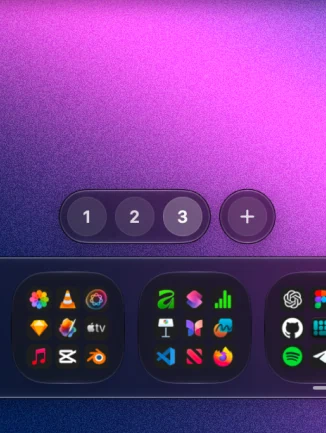
Dock Spaces. Change the whole Dock with just one click or with Cmd + ← →. You can hide the Spaces interface in settings.
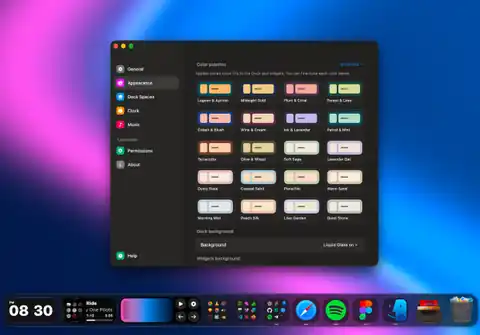
Color Palettes. Customize the background of your Dock and widgets with any color or use ready-made palettes in settings. All customization will be saved for each Dock Space.
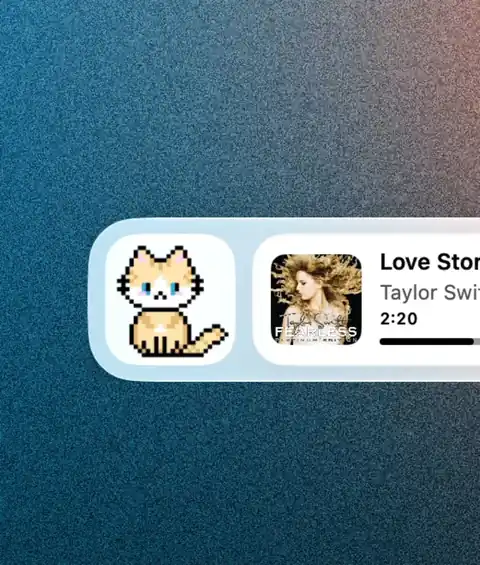
GIF Widget. Add any GIF animation in three widget sizes or use LaunchMe animations with cute cats.
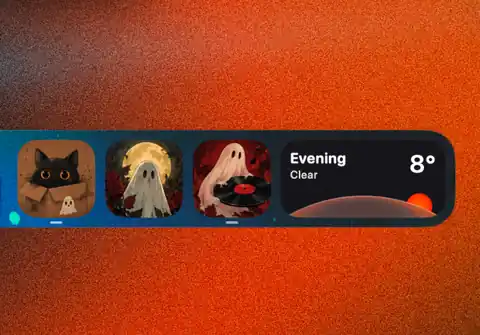
Icons customization. Set any icon for any app you want or sync Dock icons with LaunchMe themes in settings to have similar aesthetics everywhere. You can use a PNG with a transparent background or a JPG for your custom icons.
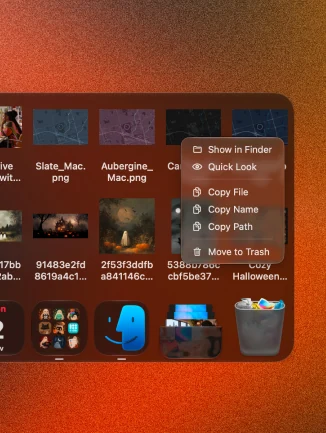
Files in the Dock. Work with your files in the compact folder panel right in the Dock. You can add any folders from Finder for fast access to any files you need.
Music
Full screen player
in one click
Your favorite music deserves the whole screen.
Go from Dock to an immersive listening experience in a click.
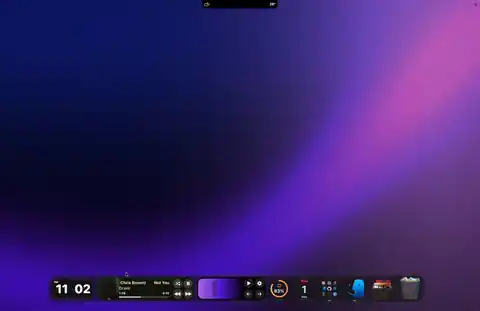
Wallpaper
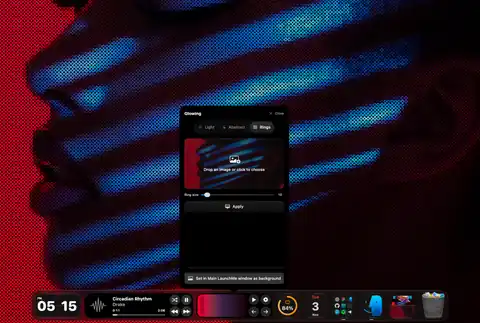
Ring styled wallpaper
Turn any image into ring styled background for your Mac.
Control rings size, brightness and set result as wallpaper for main
LaunchMe window or only Mac screen.
Dock + Notch + Launcher
Even Better Together.
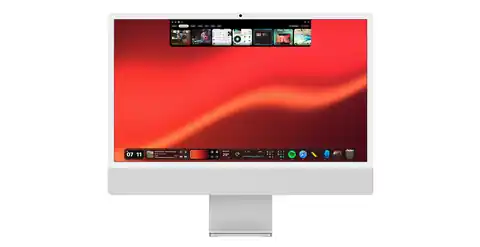
Dock is seamlessly integrated into the LaunchMe full-screen launcher and Notch. When you use them together, they work wonders. Add apps, folders, or even workflow icons! Start your focus timer in Dock and check its progress in Notch even when working in full-screen apps. All settings, widgets, and custom icons work together just like magic!
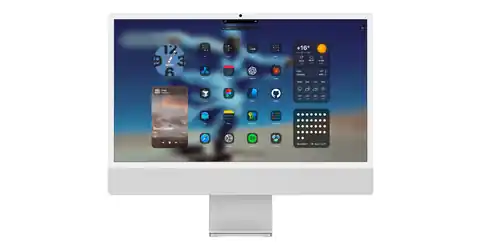
Full Screen Launcher. LaunchMe is the best customizable macOS launcher that has so many useful features to make your Mac feel really yours.
Notch. Clipboard, AirDrop, Pocket, Timer, Widgets, Customization and so much more right at the top of your Mac screen.

Work with macOS Dock
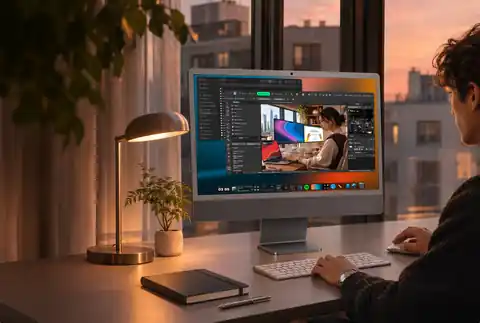
You can disable system Dock or let it work together with LaunchMe dock

Ideal for big screens
Control the height and width of your Dock
and save it for your external displays as a Dock Space
with as many widgets and apps as you need.
New to LaunchMe?
A closer look at the features that make LaunchMe more useful every day - on every Mac.
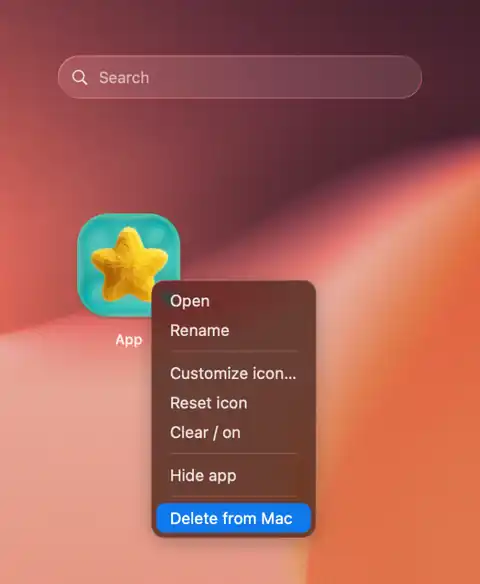
Clean Uninstall. Remove the app from Mac and clean leftover settings, cache, and related traces. Files will be moved to Trash so you can restore them later or completely delete.
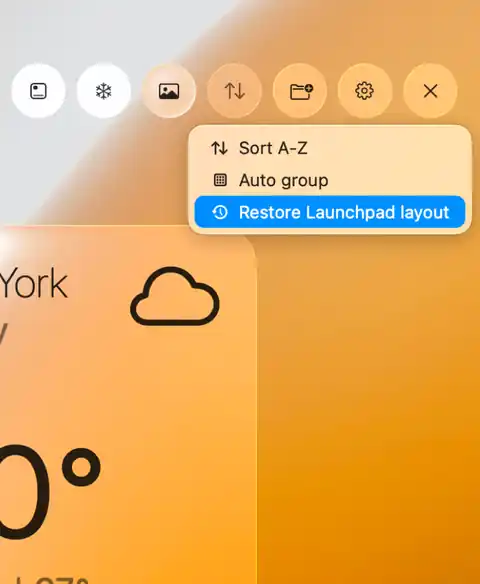
Smart sorting. Arrange apps by name, group in folders automaticaly, or restore your Launchpad layout.
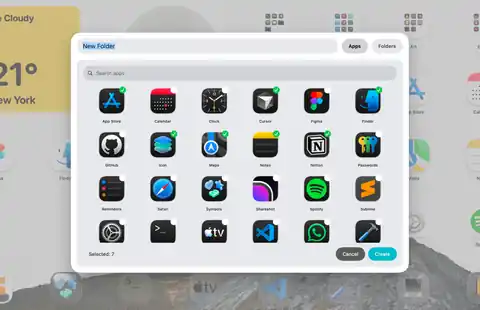
Folder batch creating. Choose apps you want to add to the new folder and add files from Finder. This is the fastest way to create folders witout moving apps one by one.
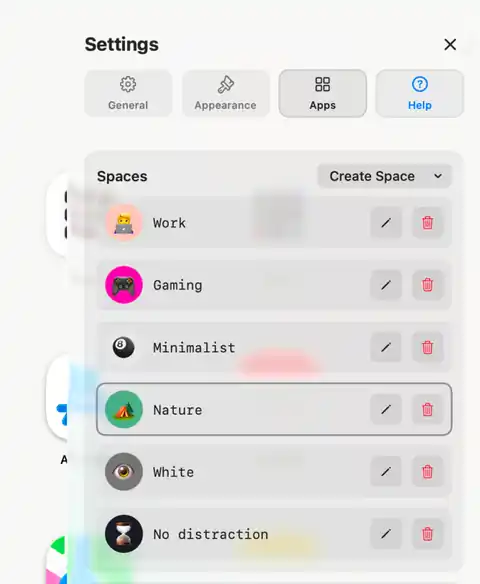
Spaces. Save layouts, widgets, wallpaper, icons and folders as presets, then switch between them in one shortcut or by schedule.
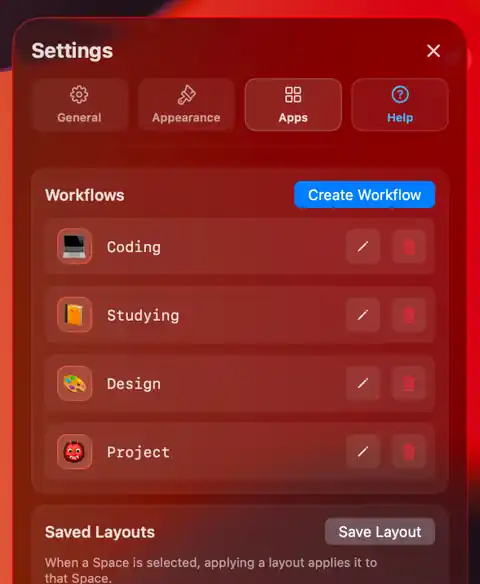
Workflows. Launch every app and file you need for a task with a single click.

For any aesthetic. You minimalist, gamer or love cute cozy customization? LaunchMe is here to be anything you want with unlimited ways to customize it.
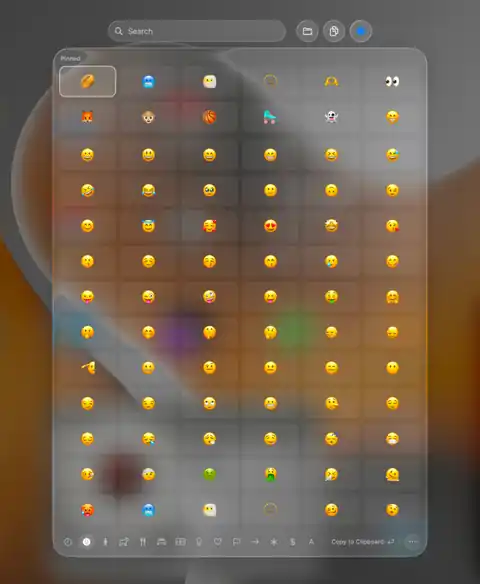
Emoji & Symbols. Fast access in Search bar to Emoji & Sumbols. Search, pin, find recently used.
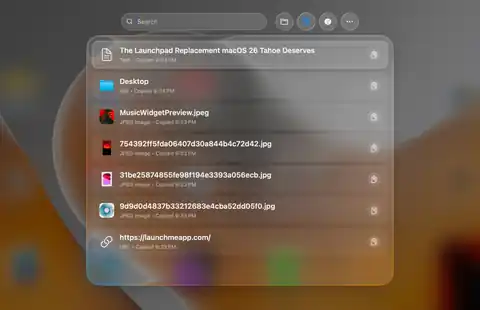
Clipboard. Jump back to anything you copied from text to files, folders and links - right from Search bar.
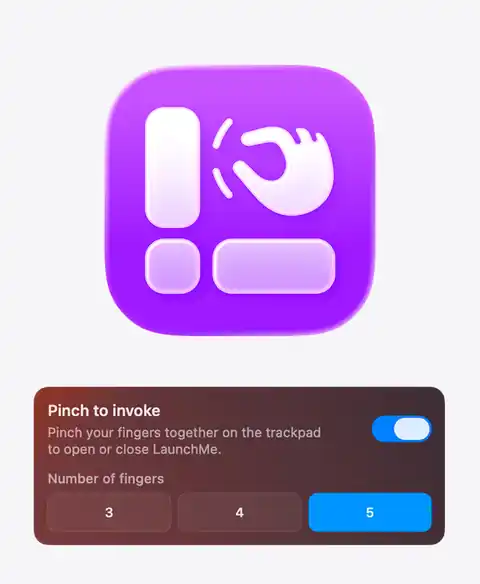
Trackpad gesture. Open LaunchMe with a pinch, just like the original Launchpad.
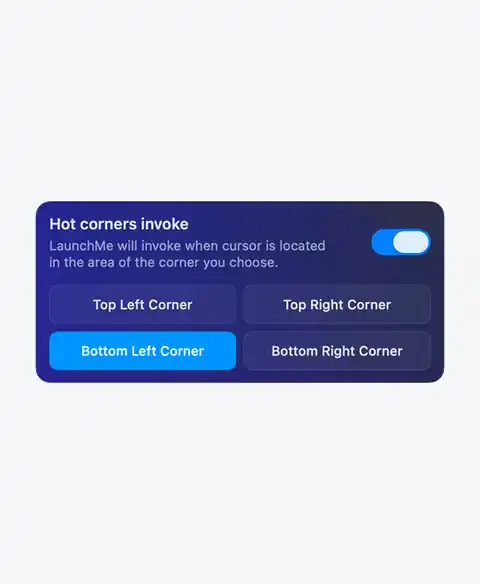
Hot corners. Flick to a screen corner to open your launcher instantly.
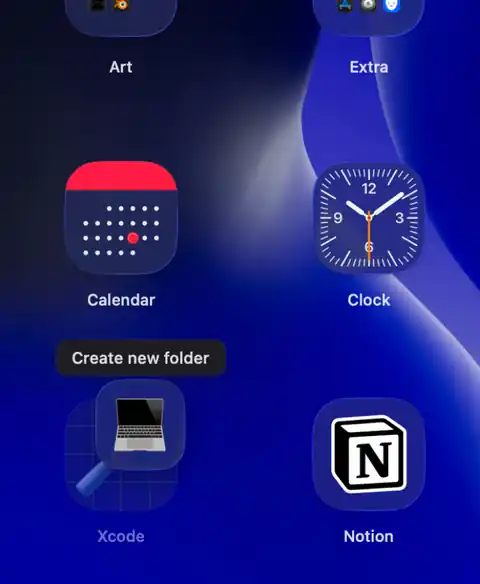
Folders. Just drag any app on top of another one to create a new folder. Works also with Workflows icons.
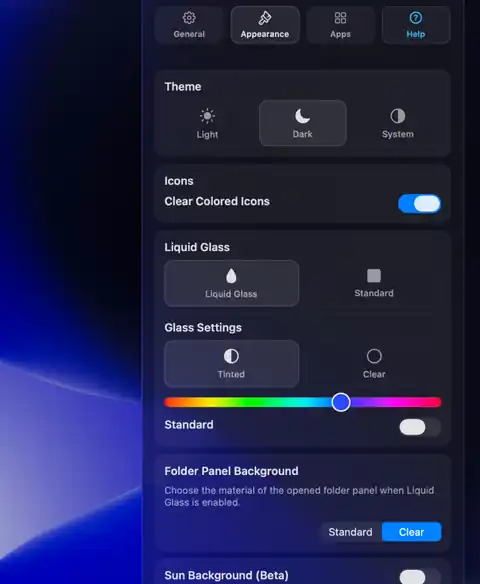
Liquid Glass. A unified glass look with clear, colored icons that you can customize with any color you want for whole interface.
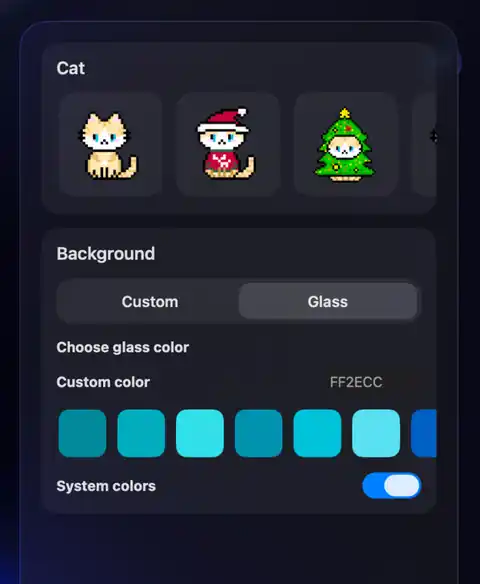
Animations. Widgets with cute cats animations. There will be more characters in future
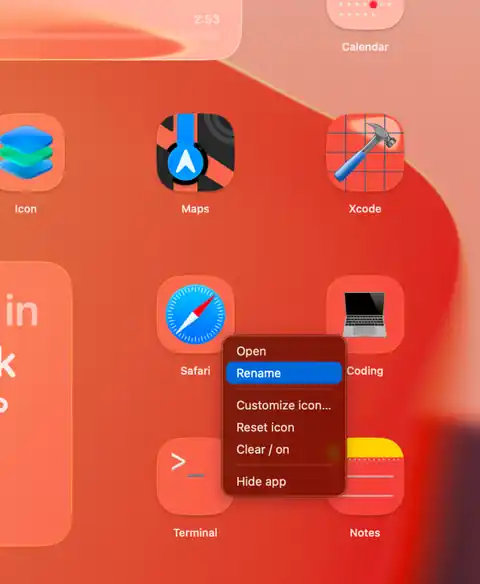
Rename apps. Give any app the name you want - your launcher, your labels.
LaunchMe can be what you want
And even more
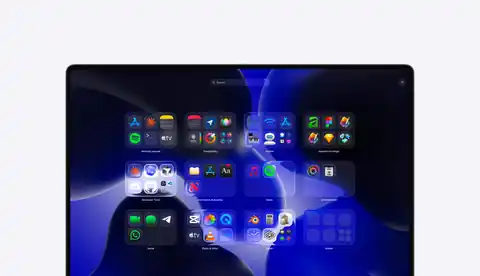
Categories cards. Find your recently used, hidden and other apps grouped by categories

Built for everyday tasks. Customize your LaunchMe to match your current workflow for work or study.
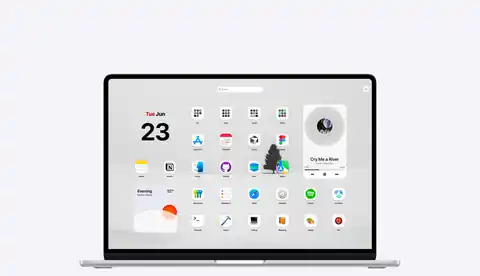
Apps & Widgets. Organize apps and widgets, to build the best control center on your Mac.
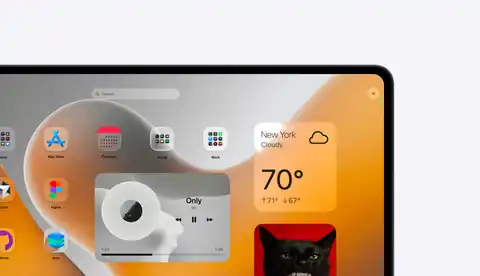
Spaces & Workflows. Save presets for any workflow and launch entire setups with one click.
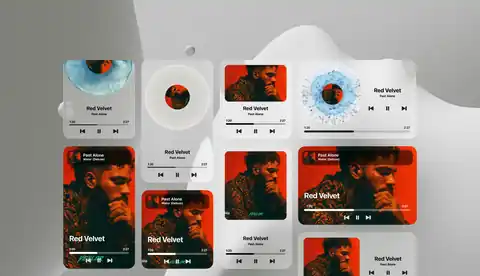
Music widgets. Control Spotify and Apple Music with widgets and customize it the way you feel.
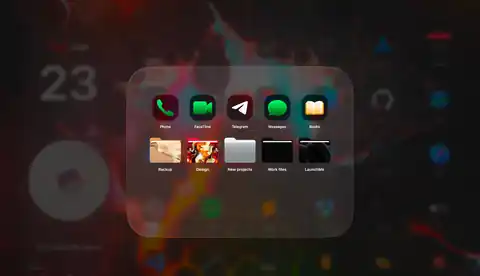
Files. Group apps with your work files to have fast access to everything for your projects.
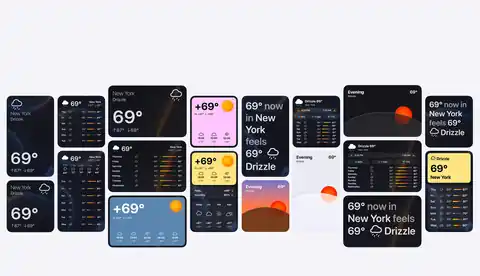
Weather widgets. Eight styles, four sizes - unlimited ways to customize and check your weather
Pricing
All in one App - Launcher, Notch, Music, Dock
Use for free, or unlock more features with a LaunchMe Pro.
Monthly
$2.99
Tax might apply
- Included Dock, Notch, Launcher
- All new updates
- Use up to 3 Macs
- 14 days money back guarantee
Lifetime Access
$59.99
Tax might apply
- Included Dock, Notch, Launcher
- All new updates forever
- Use up to 3 Macs
- 14 days money back guarantee
Yearly
$19.99
Tax might apply
- Included Dock, Notch, Launcher
- All new updates
- Use up to 3 Macs
- 7 days free try
- 14 days money back guarantee
Supported Languages
LaunchMe supports interface localization in major global languages, helping users launch apps and organize workflows in their native language on macOS 26 Tahoe.
-
 English
-
 German
-
 Spanish
-
 Portuguese
-
 Turkish
-
 French
-
 Portuguese (Portugal)
-
 Korean
-
 Chinese
-
 Japanese
-
 Hindi
-
 Russian
-
 Italian
-
 Vietnamese
-
 Indonesian
-
 Ukrainian
-
 Filipino
-
 Polish
FAQ
LaunchMe Dock is a reimagined Dock for your favorite apps, files, folders, and widgets, working seamlessly with all LaunchMe features such as Music, Notch, and the full-screen app launcher. Customize its look and layout to make your Mac feel like your own.
You can use LaunchMe Dock together with the macOS Dock, or you can copy your app layout from it and disable the system Dock in LaunchMe Dock settings.
You can copy your system Dock layout in LaunchMe Dock settings or add any app by right-clicking on LaunchMe Dock and choosing “Add application” from the context menu. You can also drag and drop apps into the Dock or add them from the context menu in the main launcher window.
Yes, you can add folders with apps right from the main LaunchMe launcher. You can also add Finder folders with files from the context menu for fast access to your most important files.
LaunchMe is built and designed for macOS 26–27, but we are working on optimization for macOS Sequoia, and support will be released soon.
Yes, LaunchMe Dock is part of the Pro features and is available to users with Pro Lifetime, Yearly, and Monthly plans.
Yes, LaunchMe Dock supports multiple displays, and you can even choose a separate Dock layout and customization for each external display with the Dock Spaces feature in Settings.
LaunchMe is regularly updated, and there will be a lot of new widgets and features in the future, such as mindfulness widgets, stats for founders, AI stats, etc. If you have any ideas for new features, you can contact us at team@launchmeapp.com.
LaunchMe is designed to use resources efficiently. When LaunchMe features are not visible or are hidden, they pause their work and use a very small amount of your Mac’s resources.