Halloween
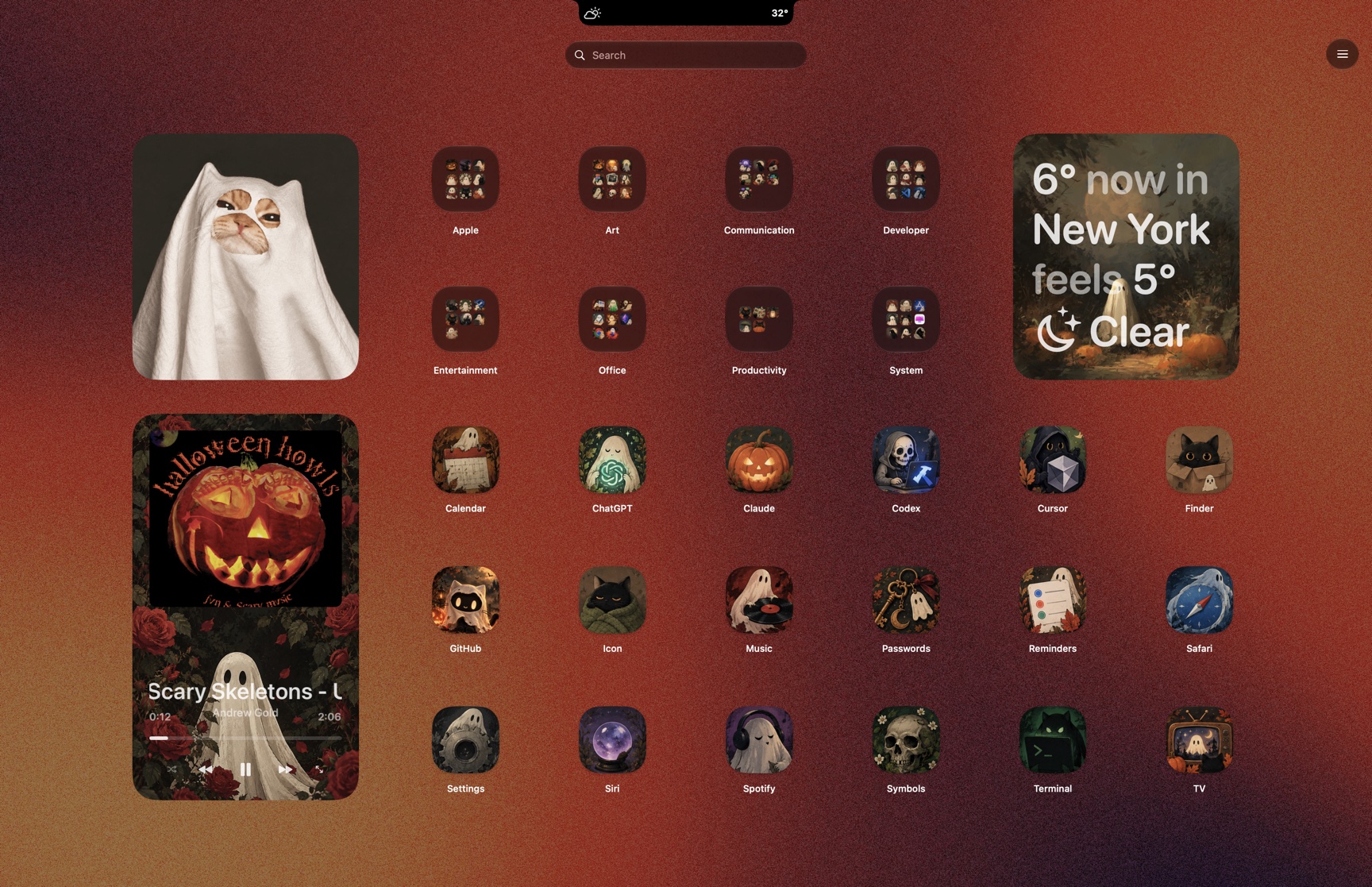 Download theme

Spaces Theme
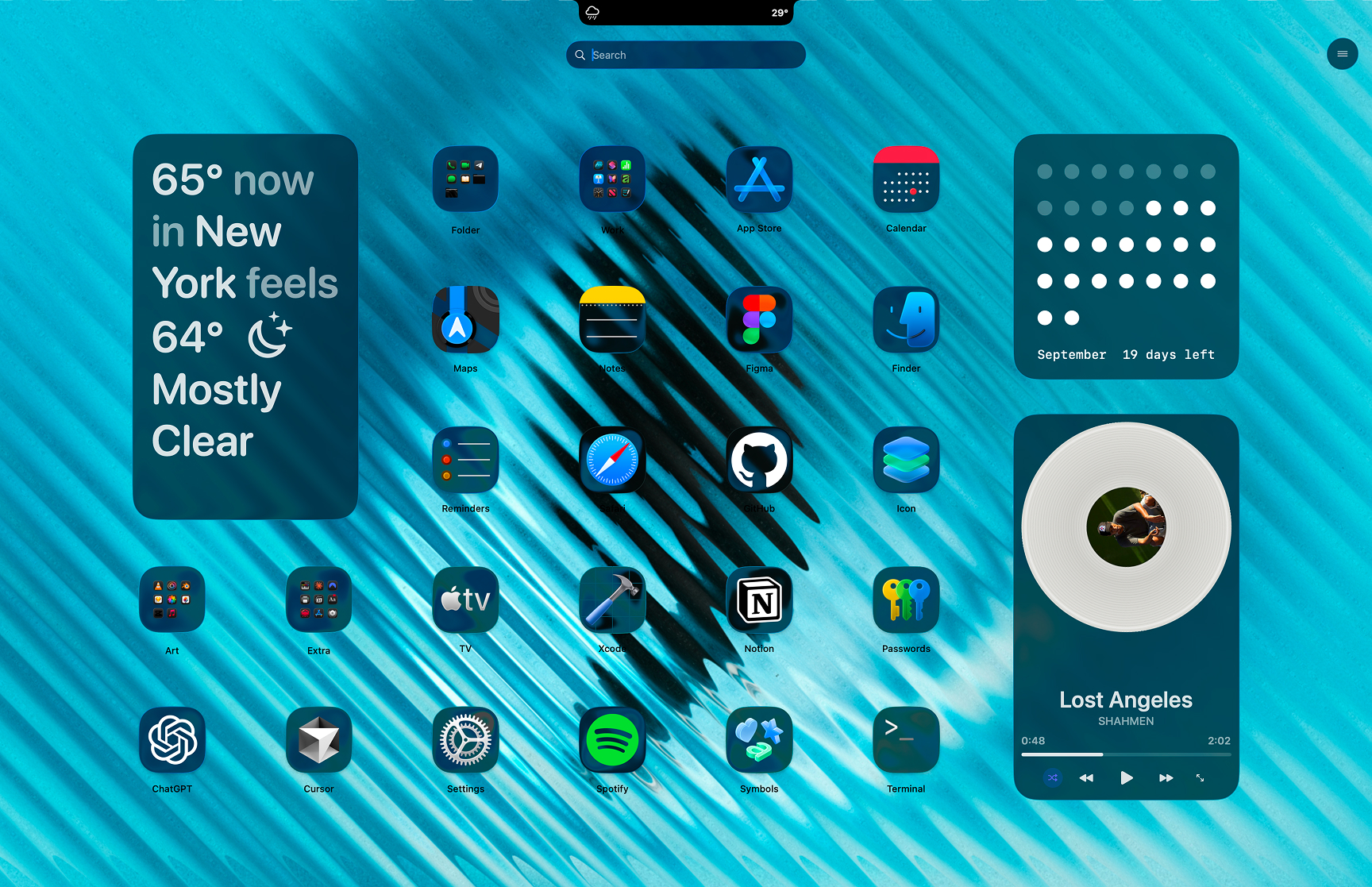
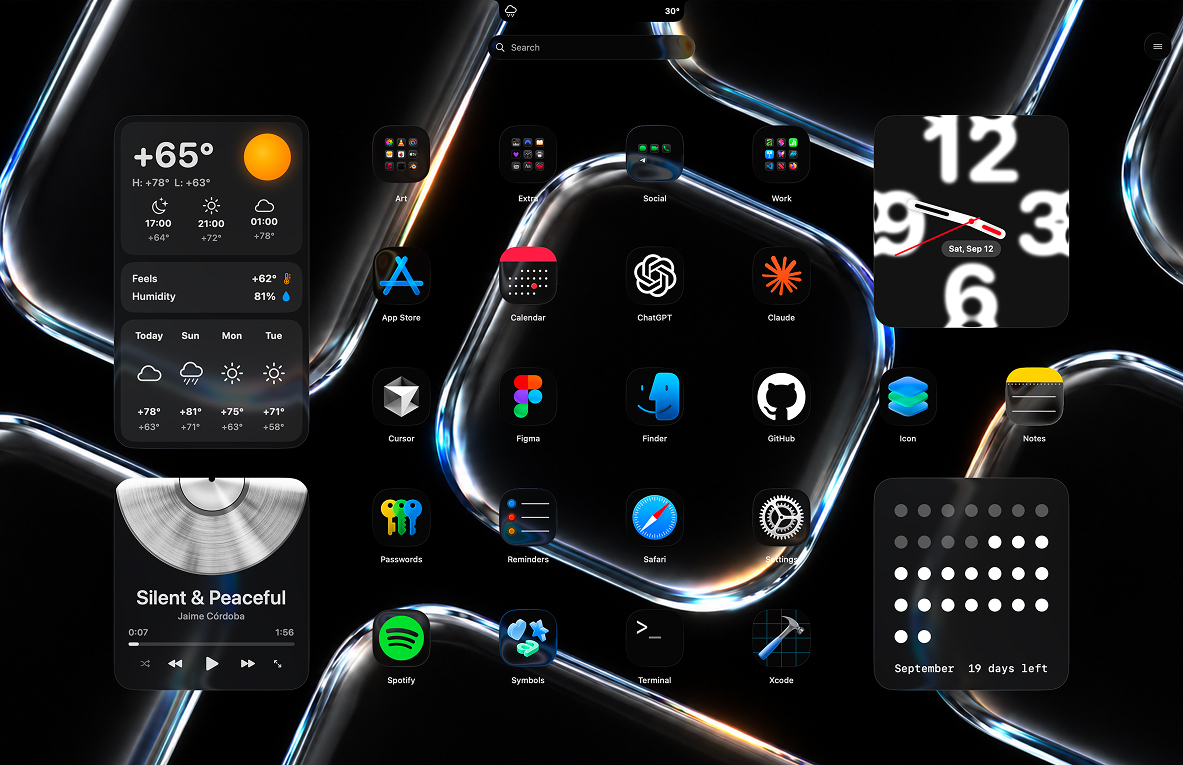
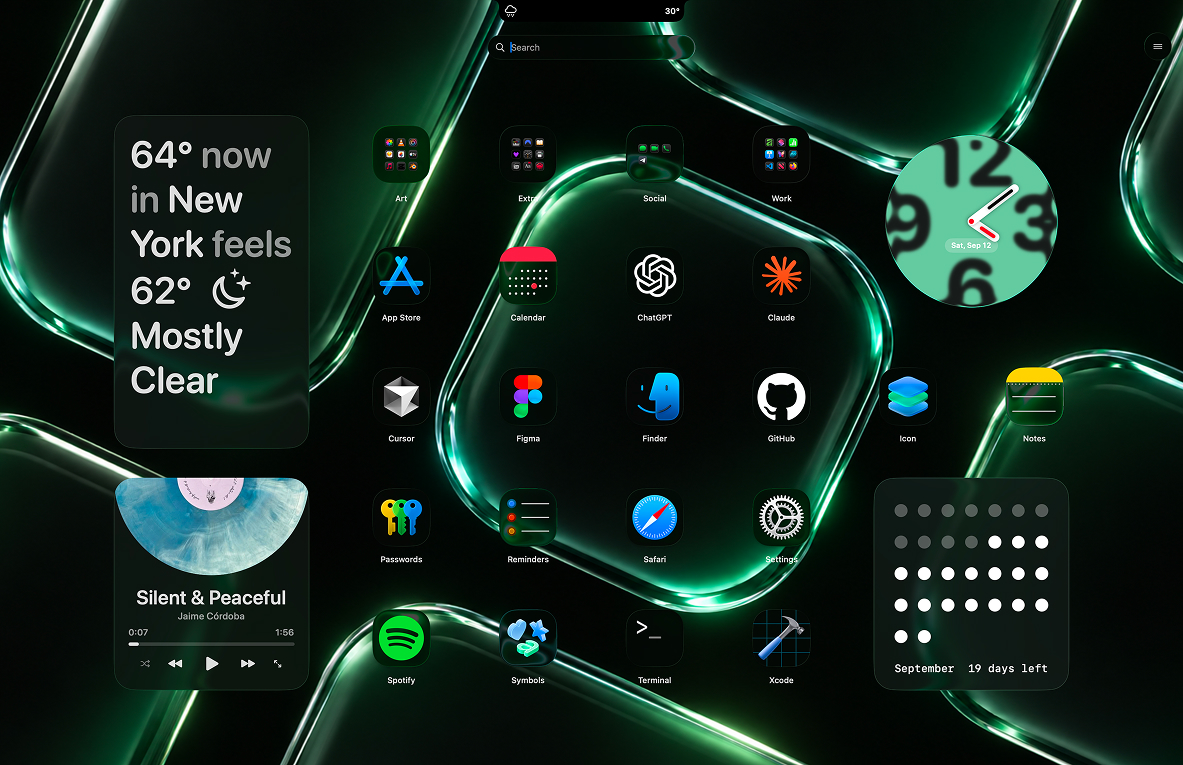
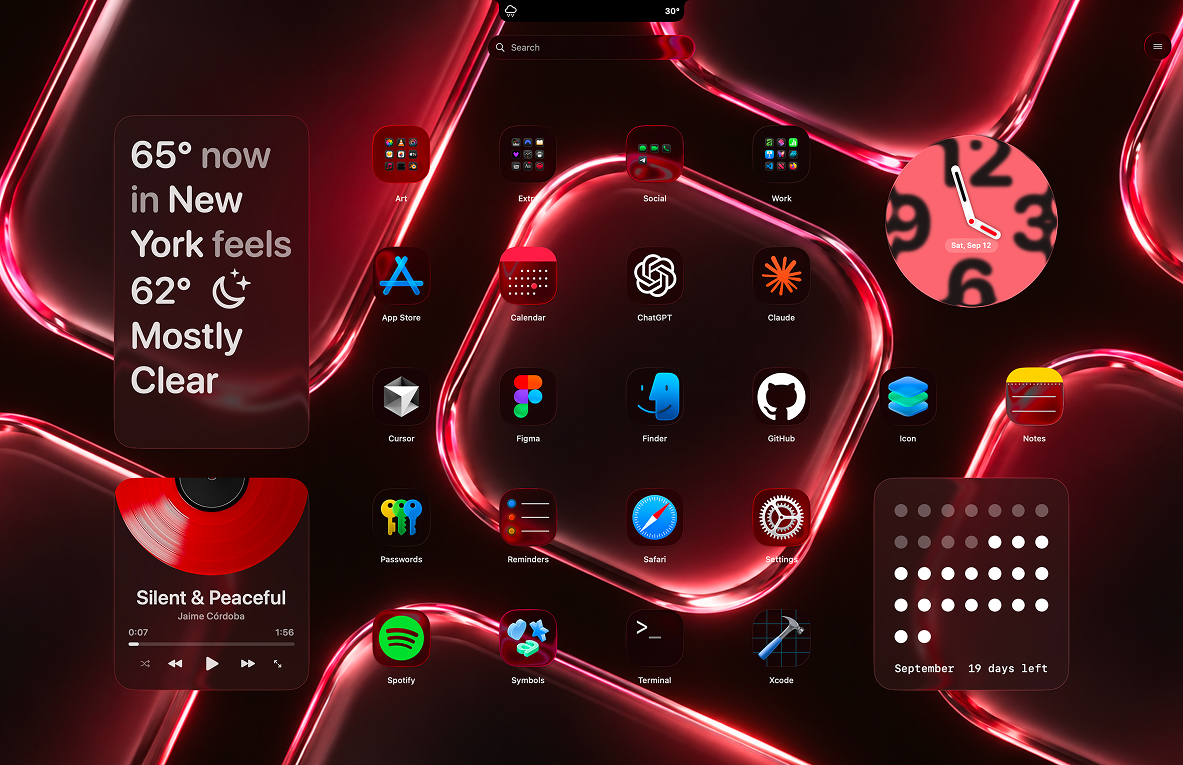
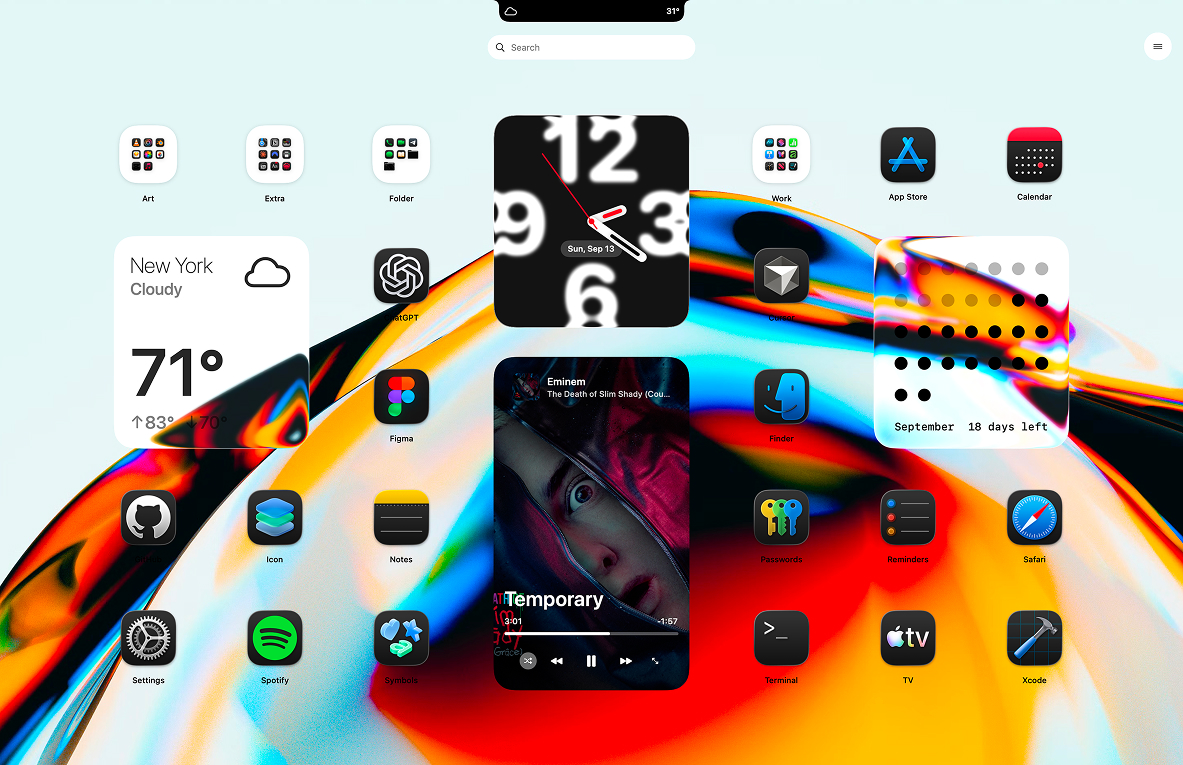
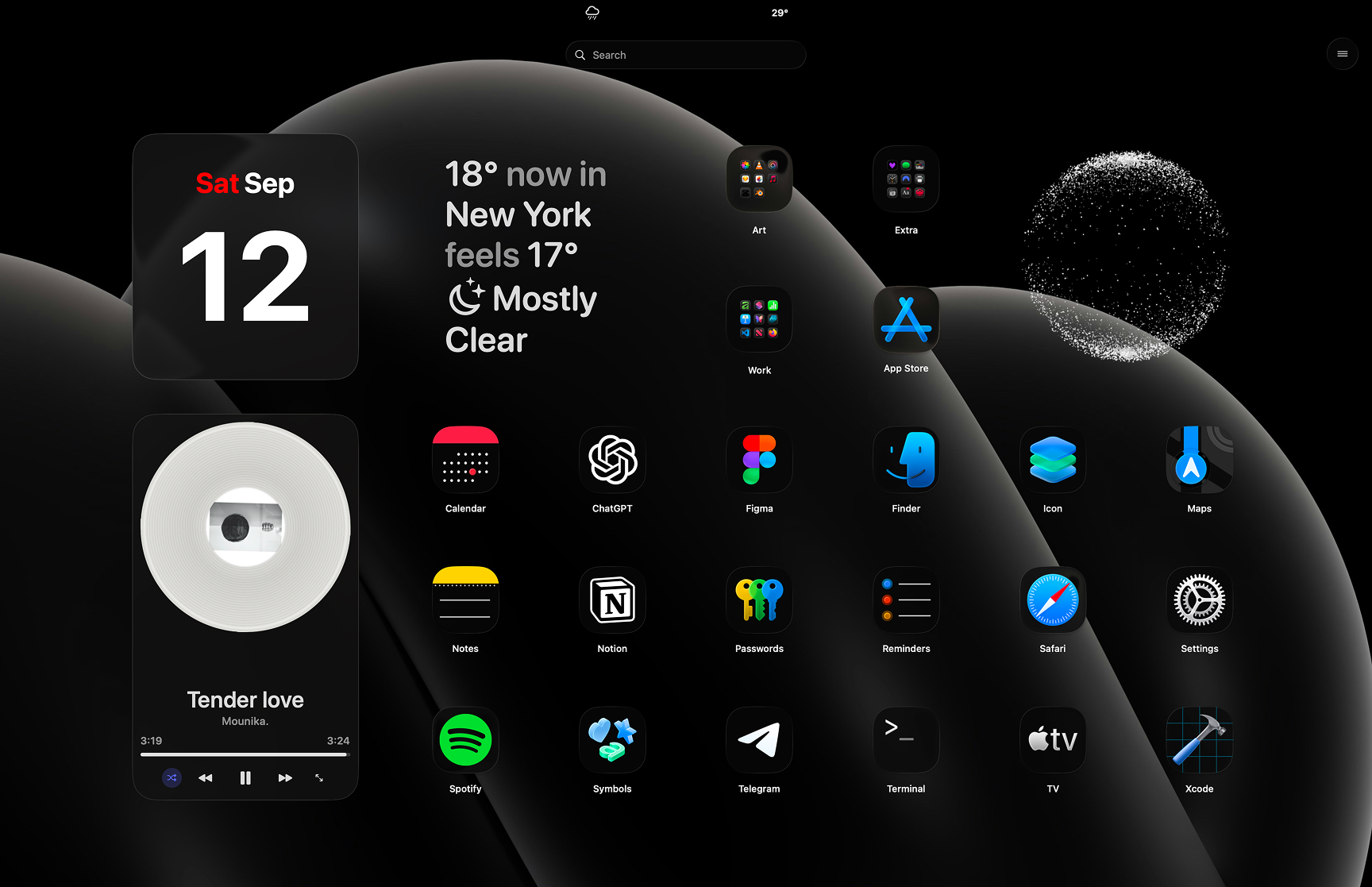
With Spaces you can create workspaces with different layout, widgets, wallpaper, other settings and switch between them scheduled or with hot key anytime you want.
Now you can install and share Spaces with other LaunchMe Pro users.
Pick a Space below and hit Download theme. You get one .launchmetheme file with the wallpaper, layout, widgets and icons inside.
LaunchMe picks it up, installs the Space and switches to it right away. Nothing to unpack, nothing to copy by hand.
Installing Spaces requires LaunchMe Pro.
Download theme
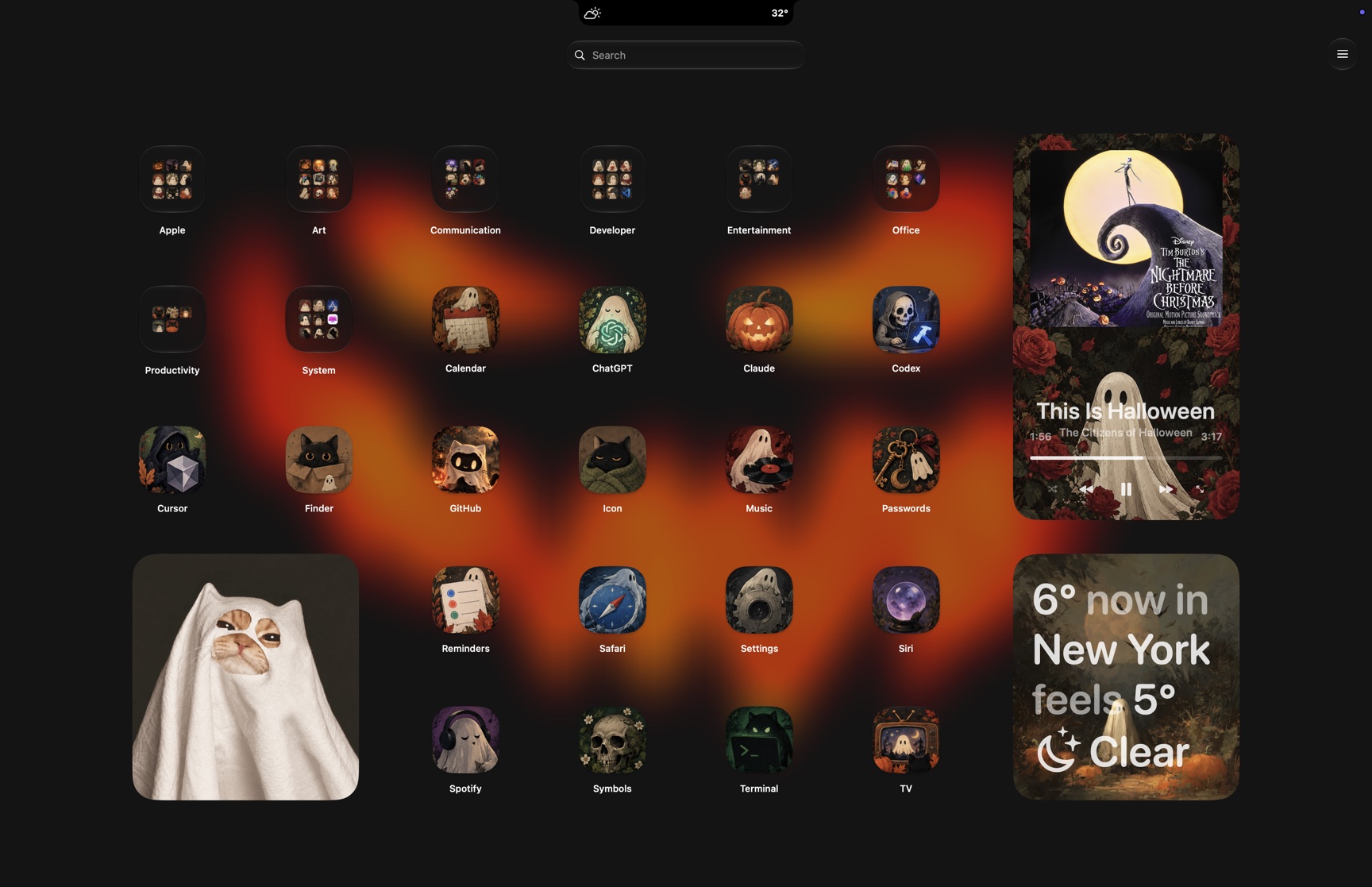 Download theme
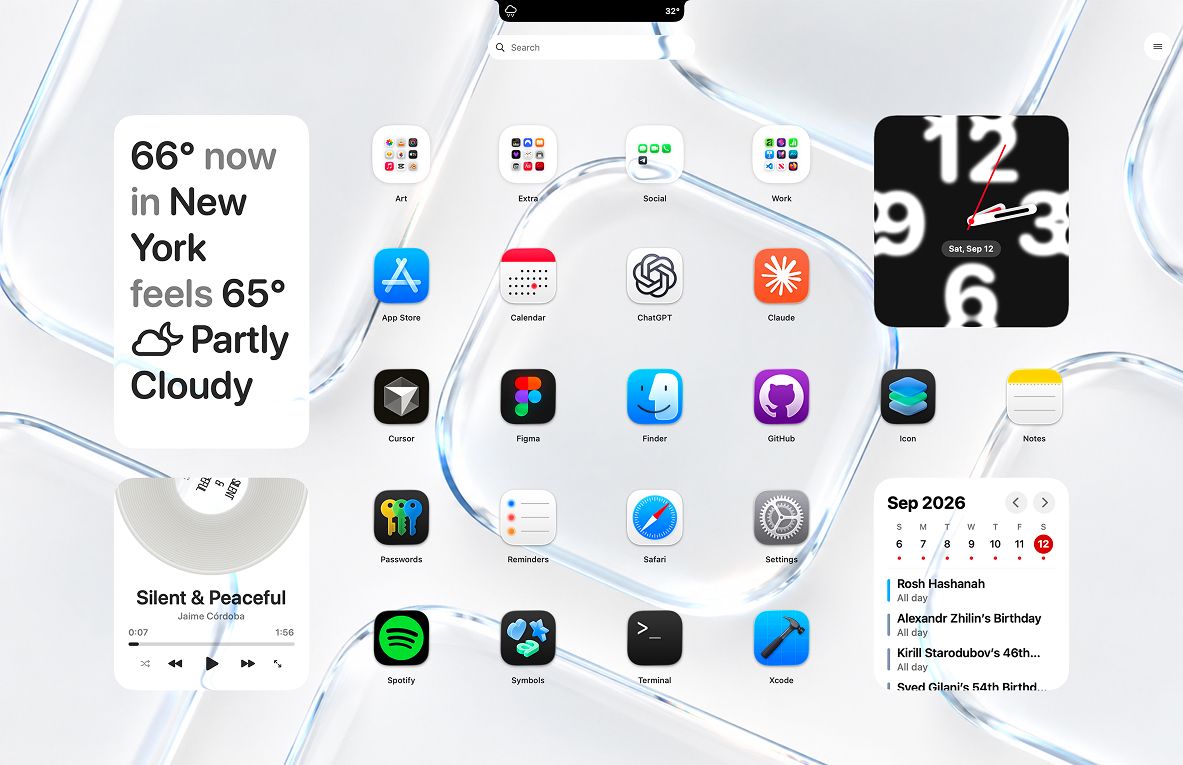 Download theme
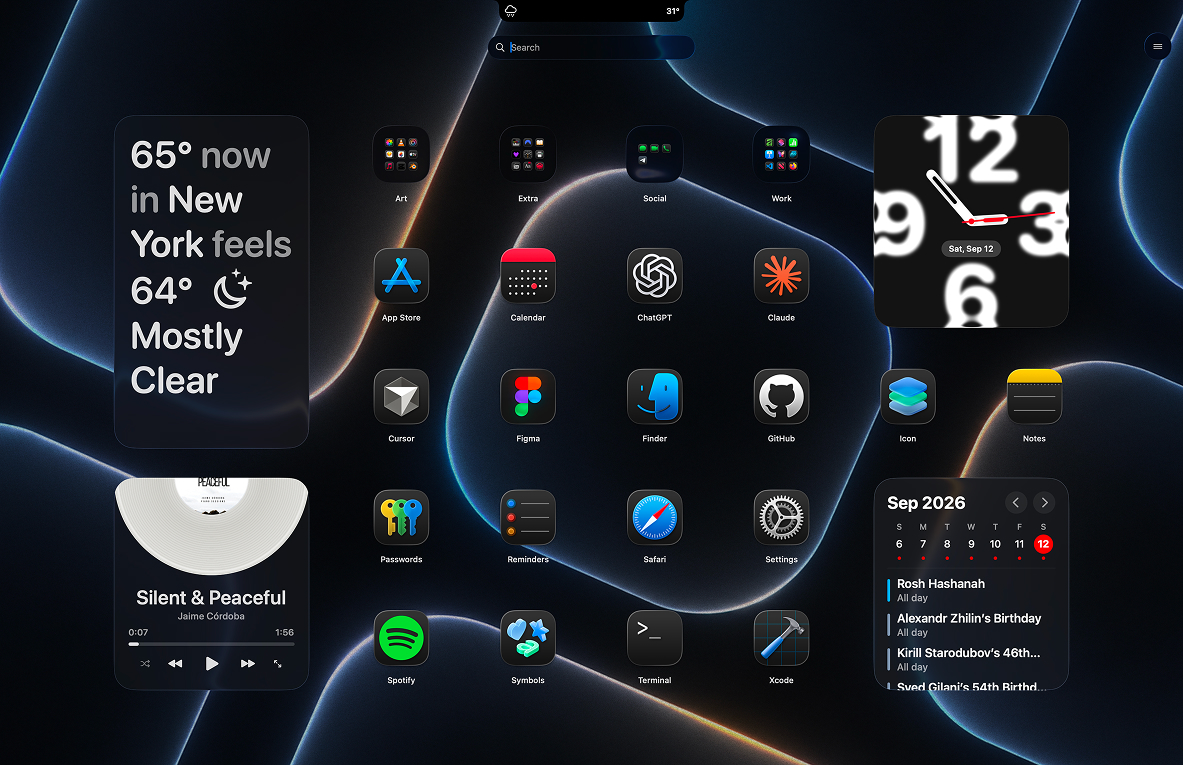 Download theme
 Download theme
 Download theme
 Download theme
 Download theme
 Download theme
 Download theme