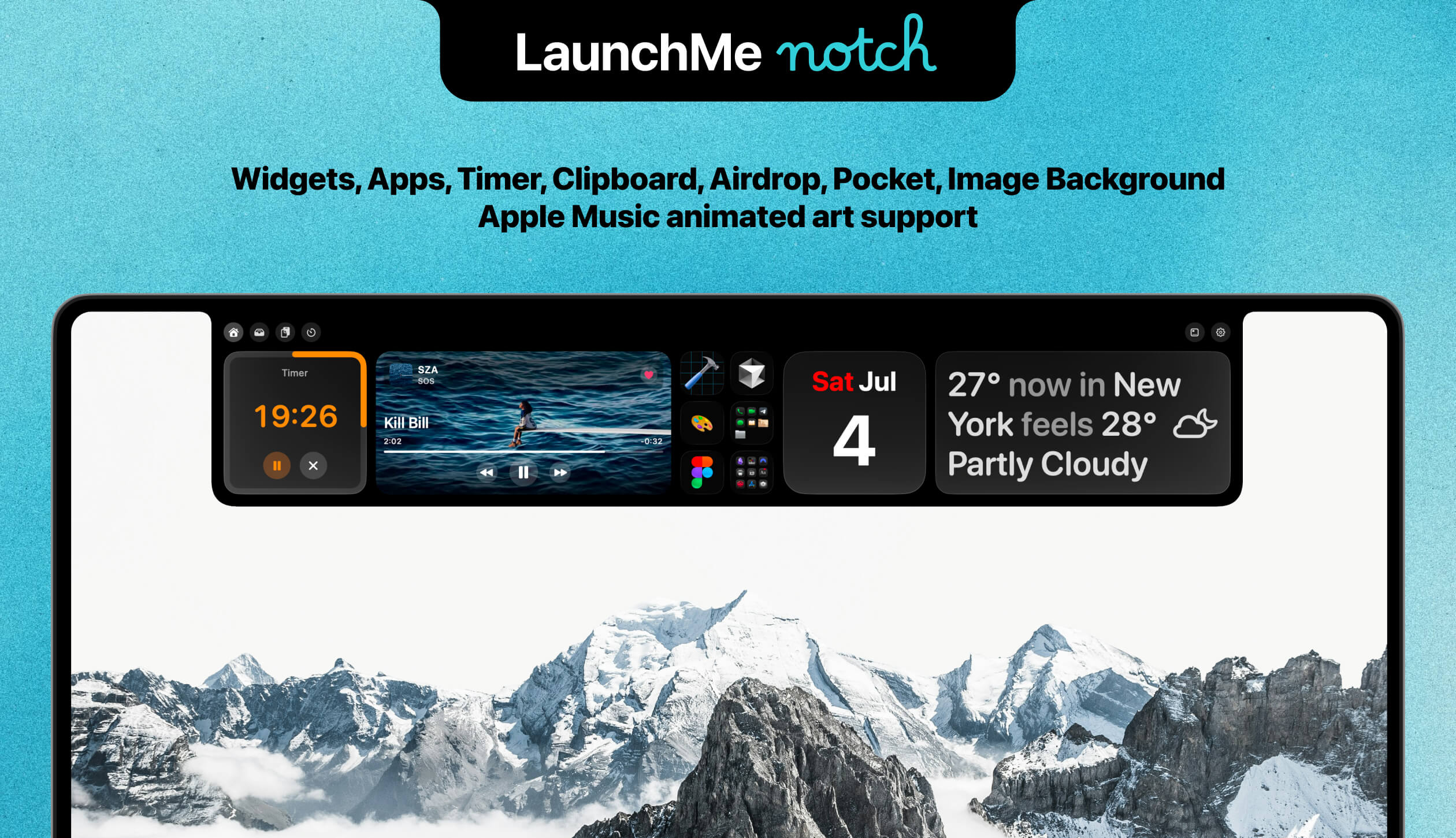
LaunchMe Update 2.0: Hello Notch
Notch widgets, Spaces sync, Clipboard, AirDrop, Pocket, Timer, and compact Notch. See what LaunchMe 2.0 brings to Mac users.

Stories, updates, and deep dives about building the most customizable app launcher for macOS.
Notch widgets, Spaces sync, Clipboard, AirDrop, Pocket, Timer, and compact Notch. See what LaunchMe 2.0 brings to Mac users.
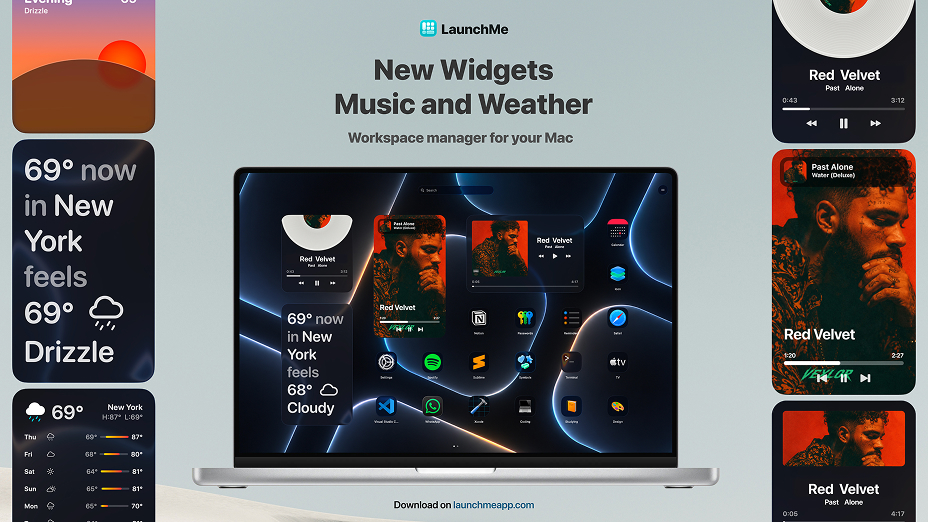
Music and Weather widgets, Liquid Glass for free, Rename apps, gesture invoke, and faster indexing for large app libraries on Mac.
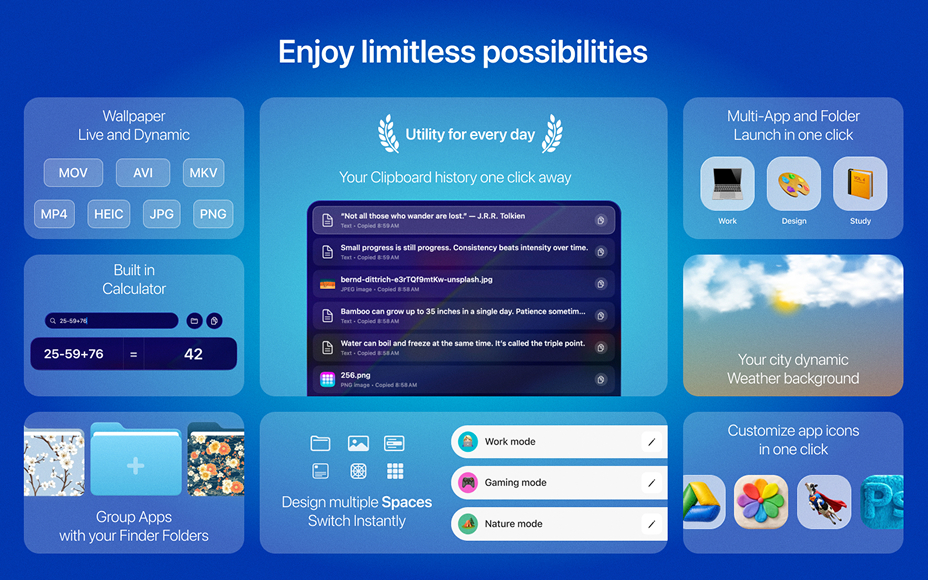
Spaces, Workflows, Dynamic Weather wallpapers, Files search, Clipboard, Calculator. LaunchMe is now a next-gen workspace manager for macOS 26 Tahoe.
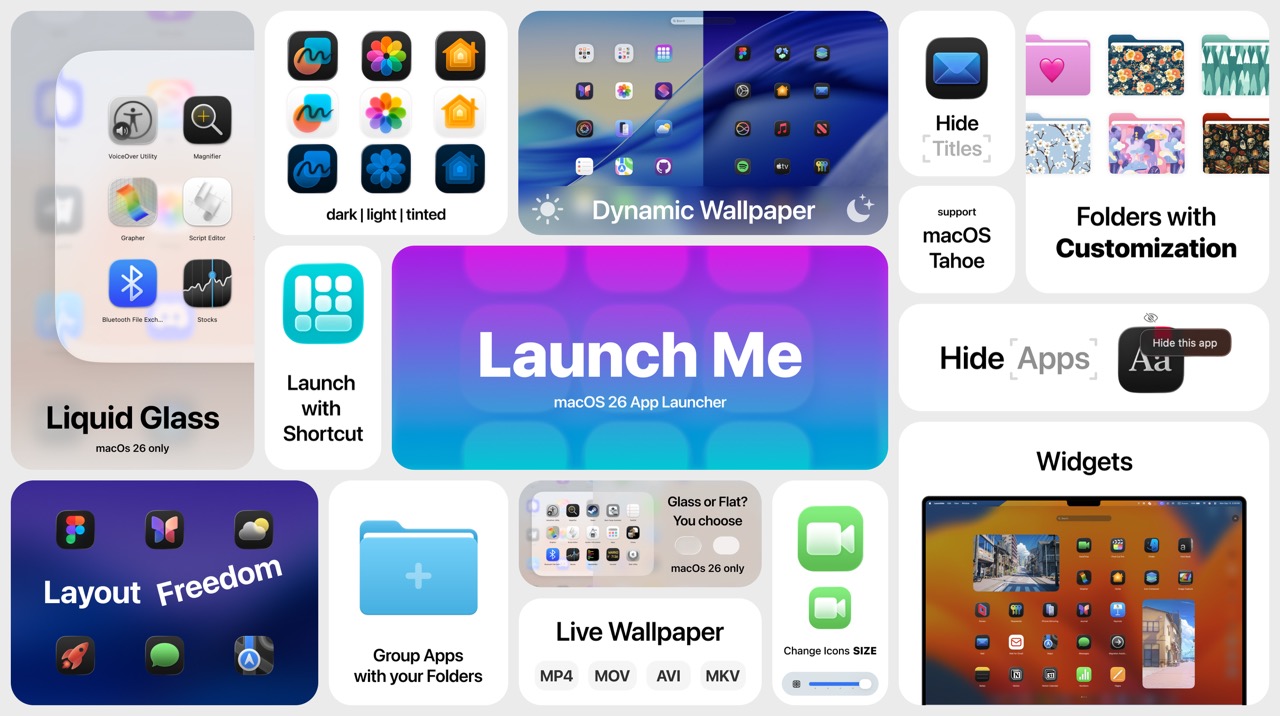
After upgrading to macOS Tahoe, you might have noticed something missing — Launchpad is gone. With all your perfectly managed folders.
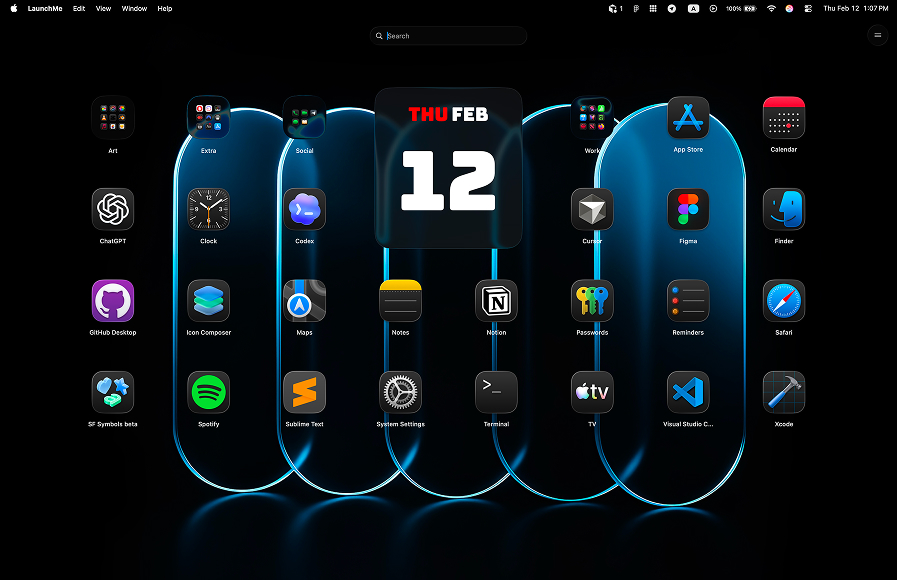
Compare LaunchMe and Raycast: visual app grid launcher vs keyboard command palette. Spaces, Workflows, pricing, and which fits macOS 26 Tahoe.
Compare LaunchMe and Launchie: features, customization, and which Mac app launcher fits your workflow.
Compare LaunchMe and AppGrid: features, customization, and which Mac app launcher fits your workflow.
Compare LaunchMe and LaunchOS: features, customization, and which Mac app launcher fits your workflow.
Compare LaunchMe and HotLaunch: features, customization, and which Mac app launcher fits your workflow.
Compare LaunchMe and FolderX: features, customization, and which Mac app launcher fits your workflow.
Compare LaunchMe and AppHub: features, customization, and which Mac app launcher fits your workflow.
Compare paid-first QAL Pro vs LaunchMe Free value, including Hide Apps access and why LaunchMe is a safer choice.
Compare paid limits, 7-day trial model, gesture and layout restrictions, and why LaunchMe gives more features for free.