Files - Search, copy, delete, preview
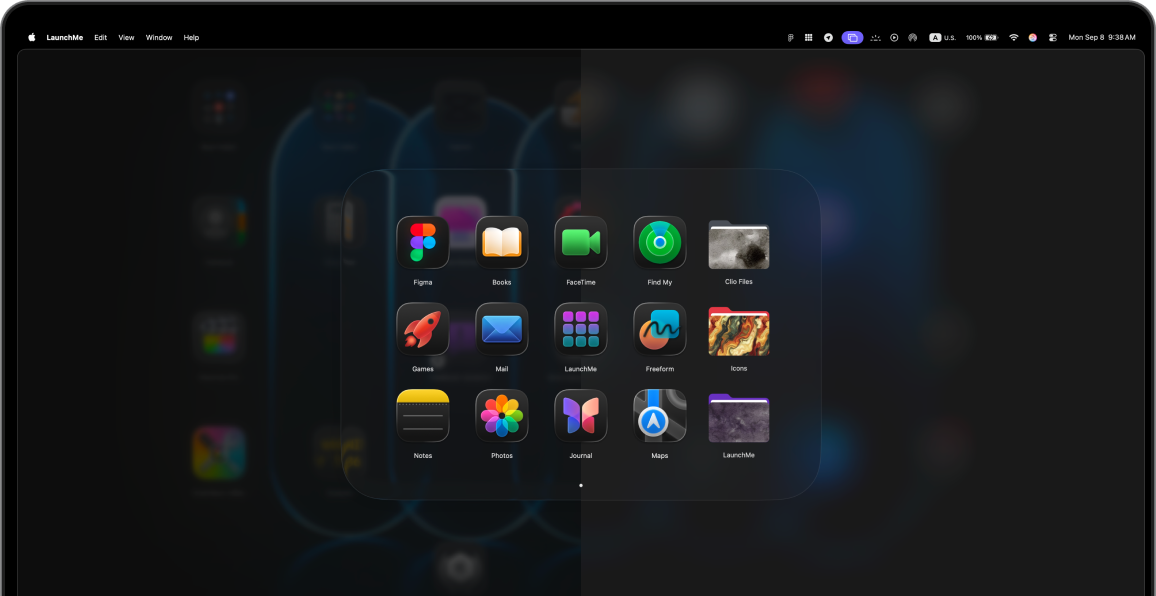
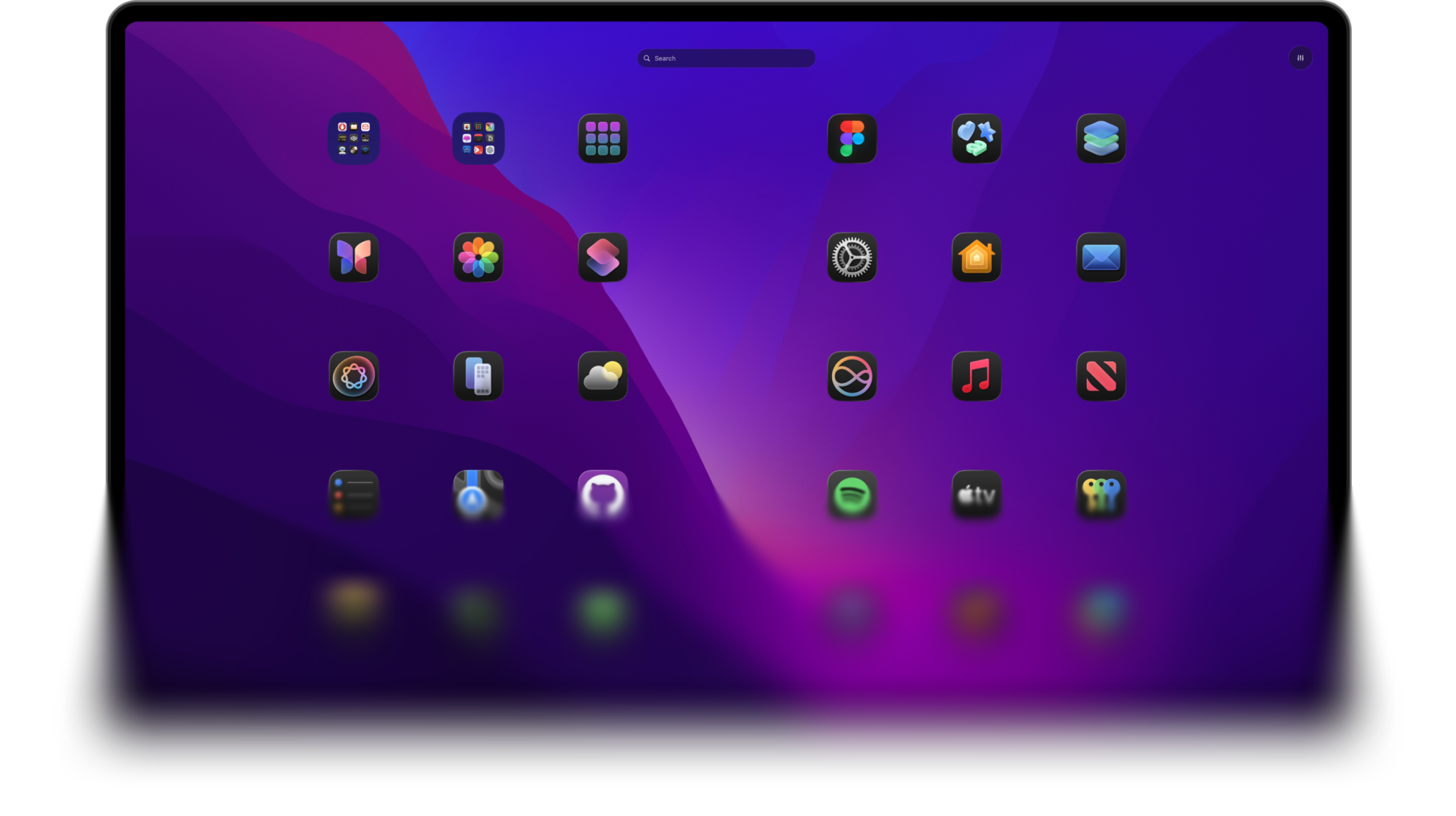
Launchpad you've been waiting for
Customize, search files, make it work your way
The best Launchpad alternative and app launcher for Mac on macOS 26 Tahoe.

Place your apps as you want
Combine your apps with
fast access to folders

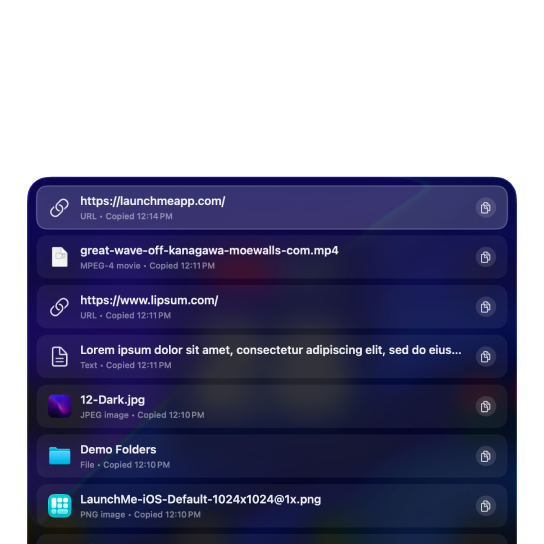
Easy access to history
of copied files and text
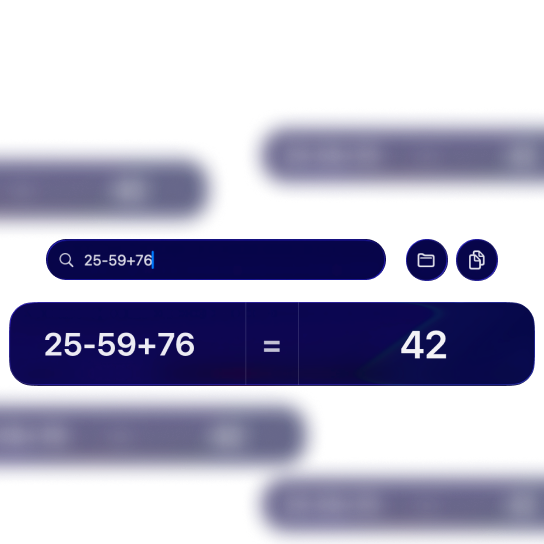
Built into the search bar
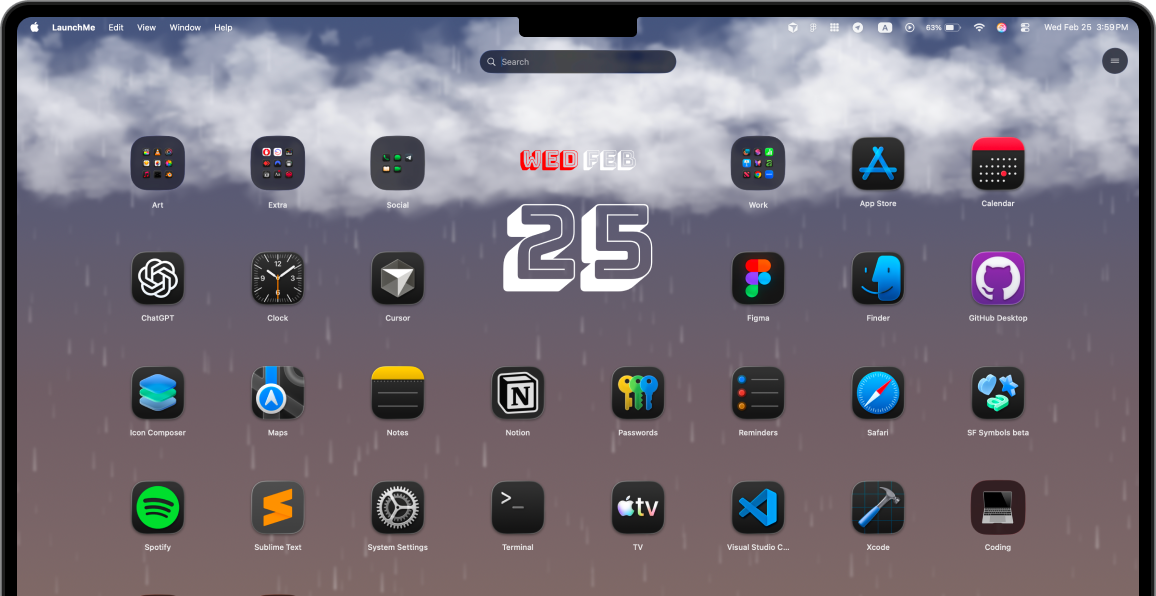
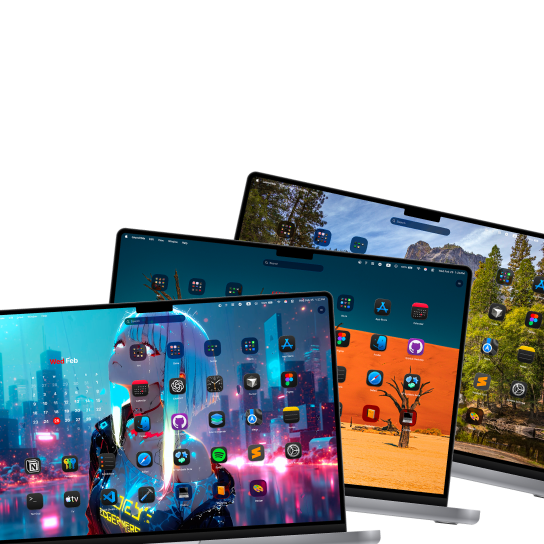
Create Spaces for any mood or scenarios
One click will launch all apps and files you need
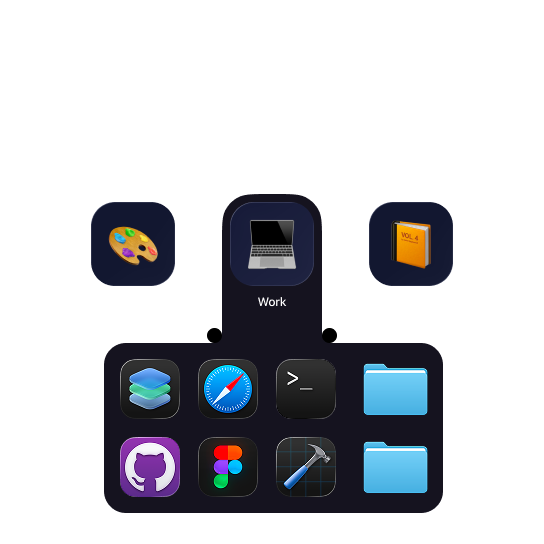
Customization
Customize LaunchMe to match your vibe - cozy, minimalistic, or anything you want.
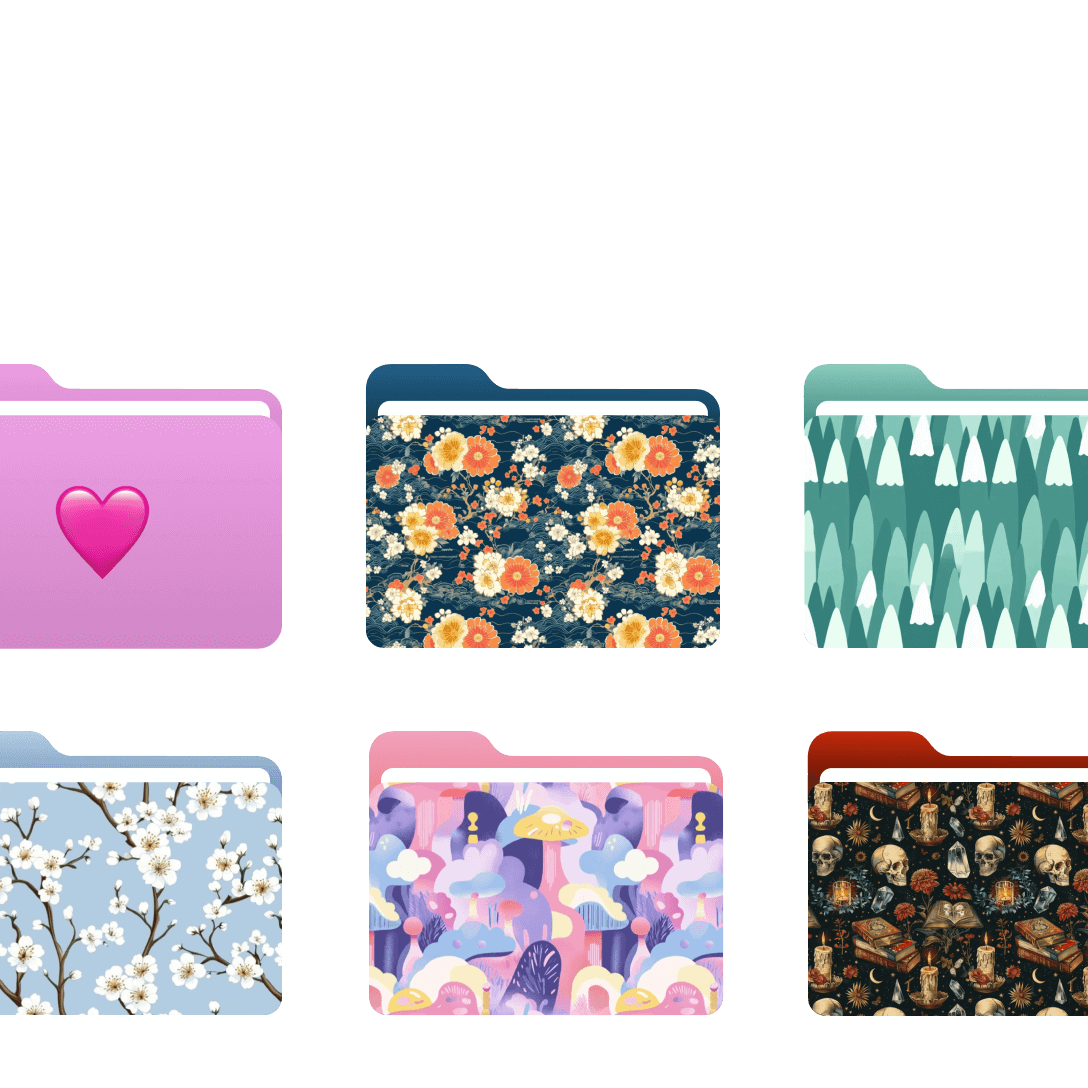
Make it truly yours
Colors, emoji, cover image
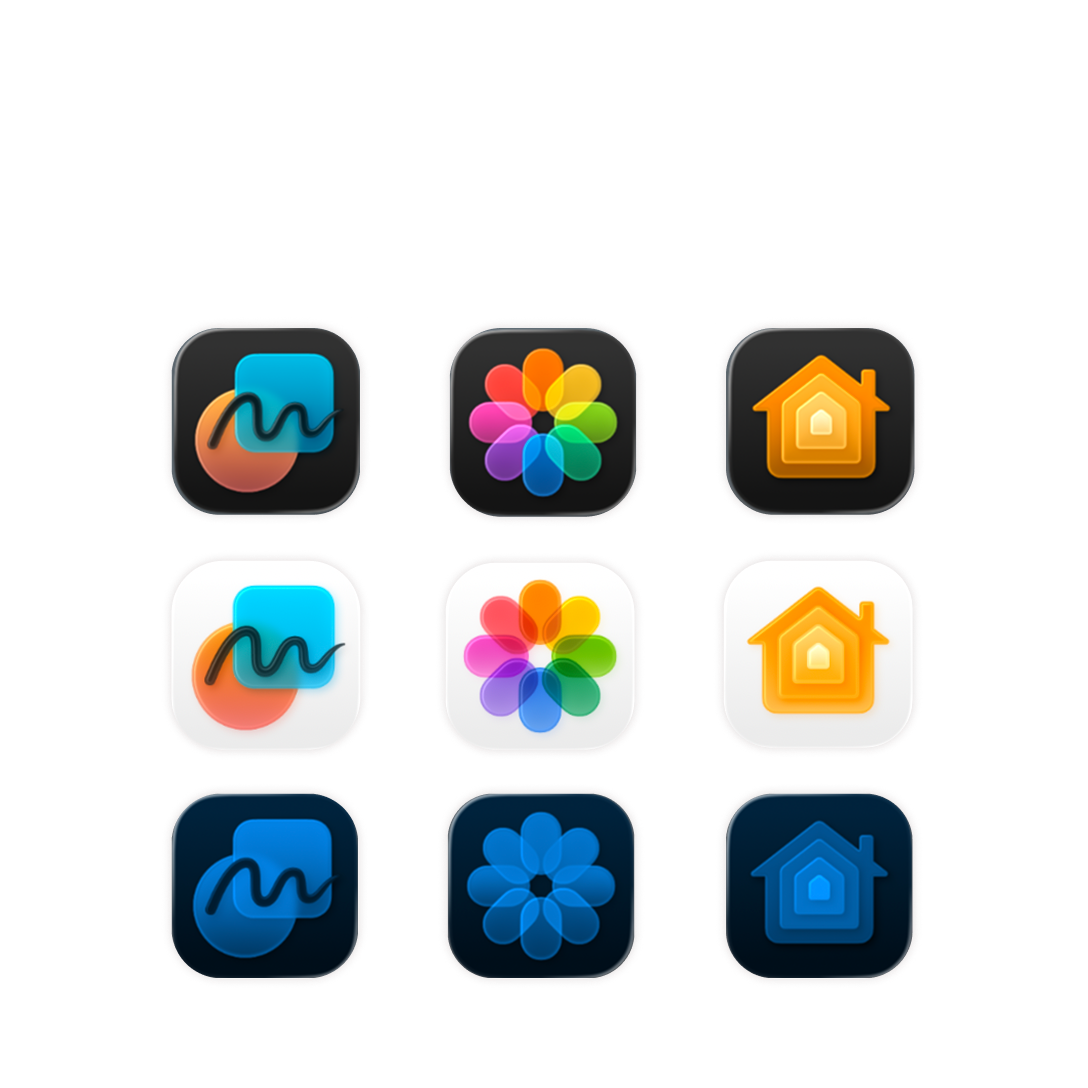
Dark | Light | Tinted
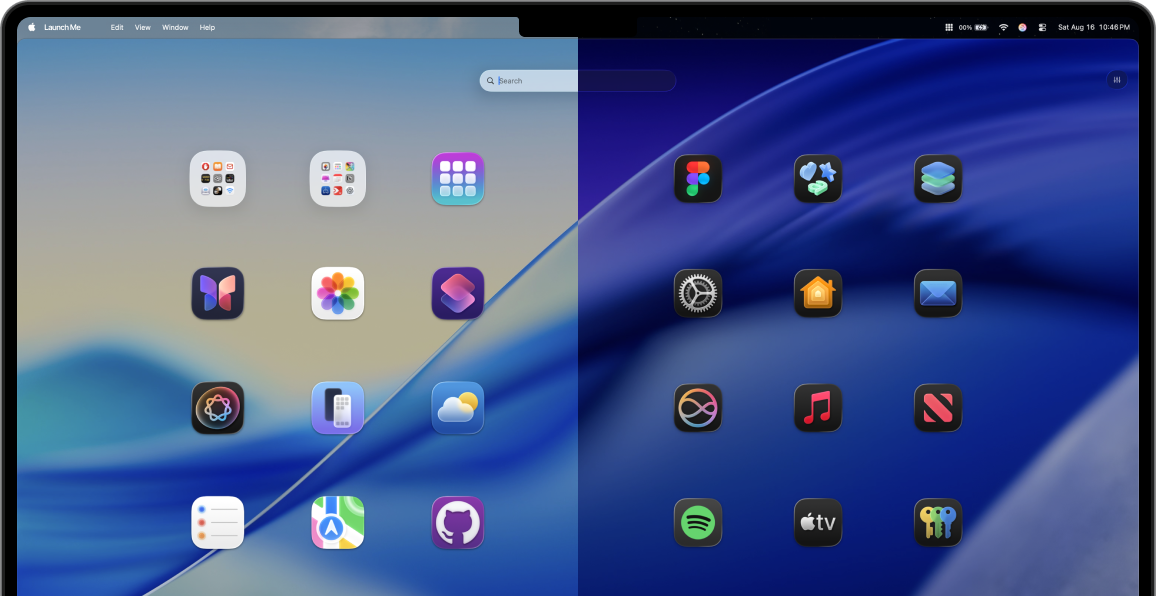
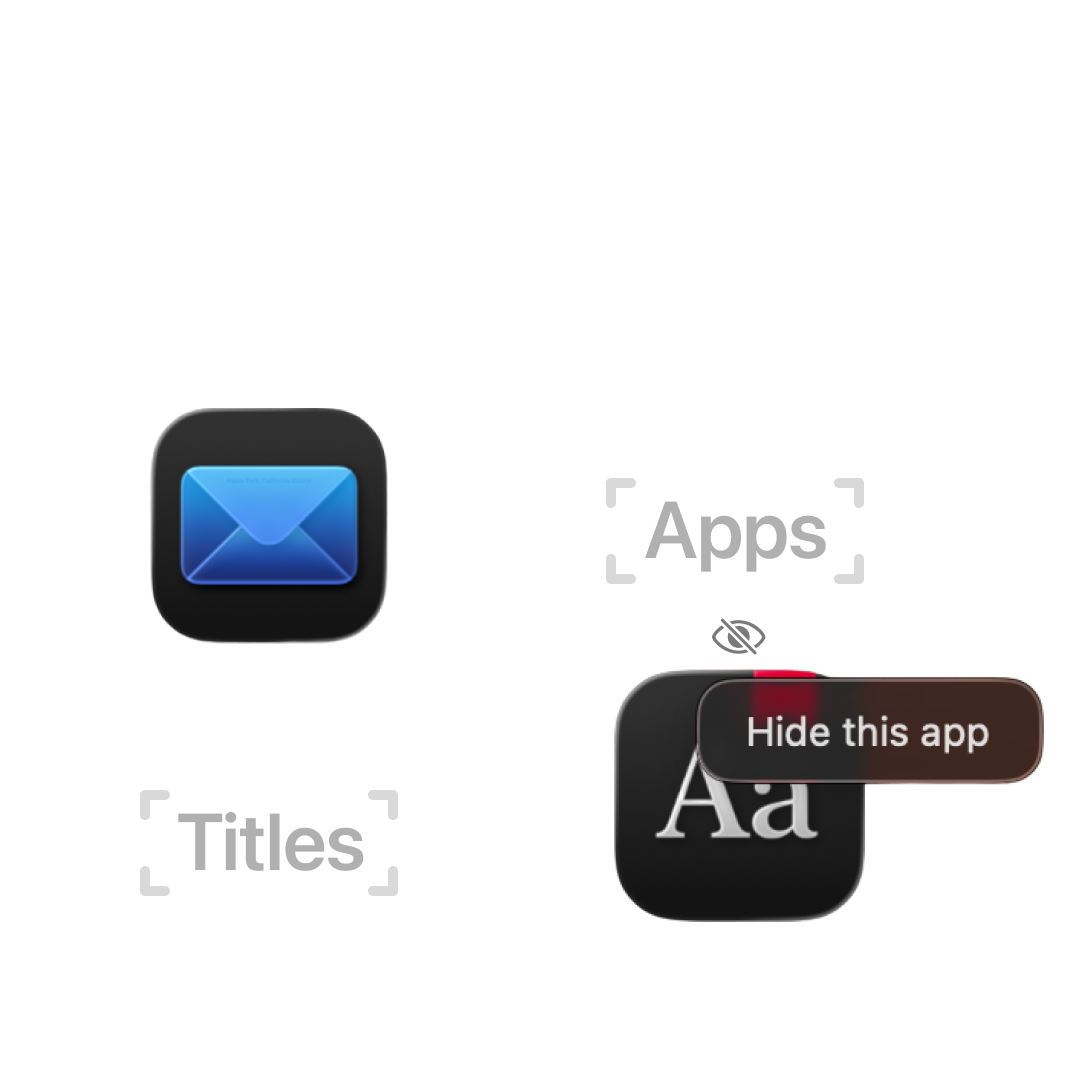
Hide app names or
completely hide apps
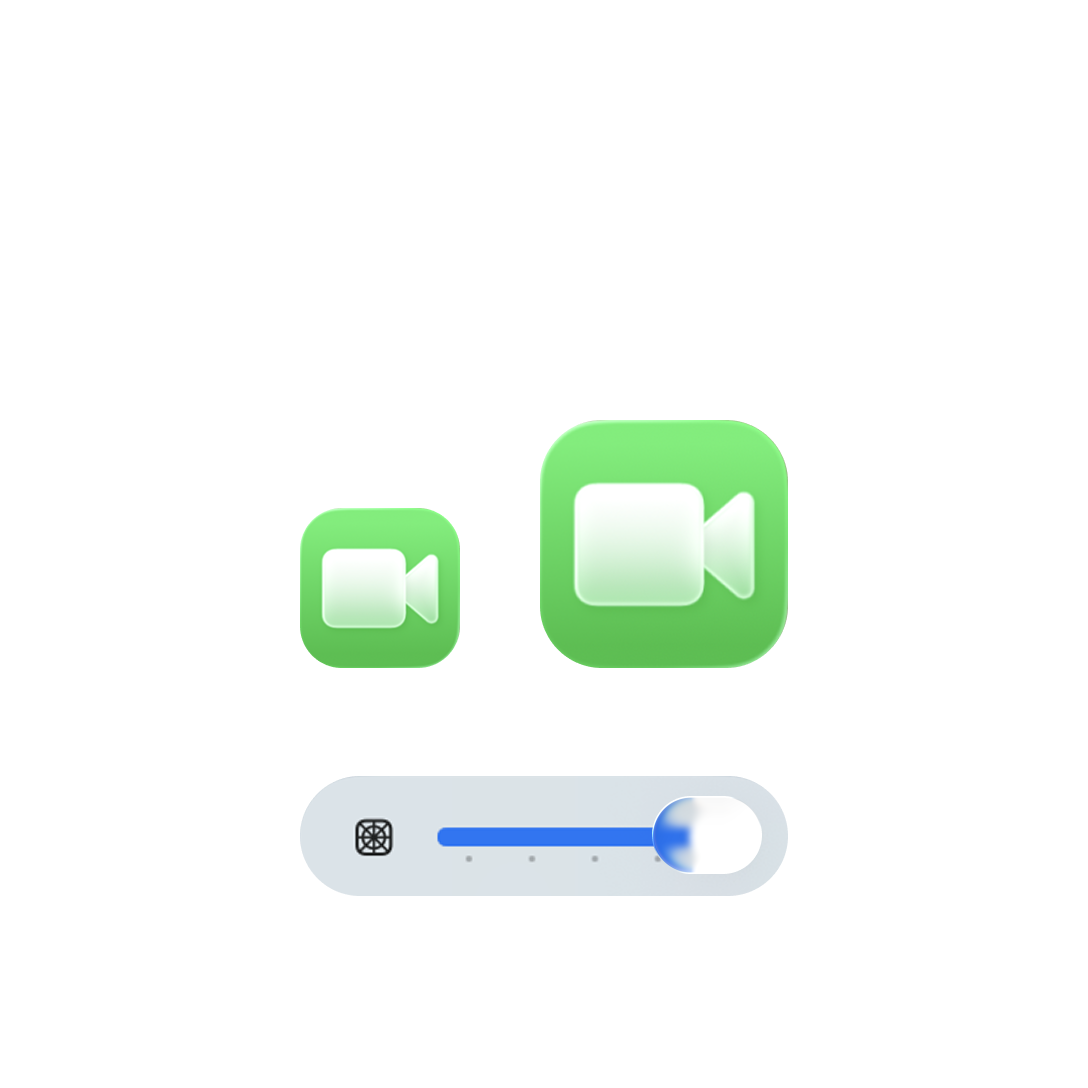
Adjust icon size
to better fit your screen
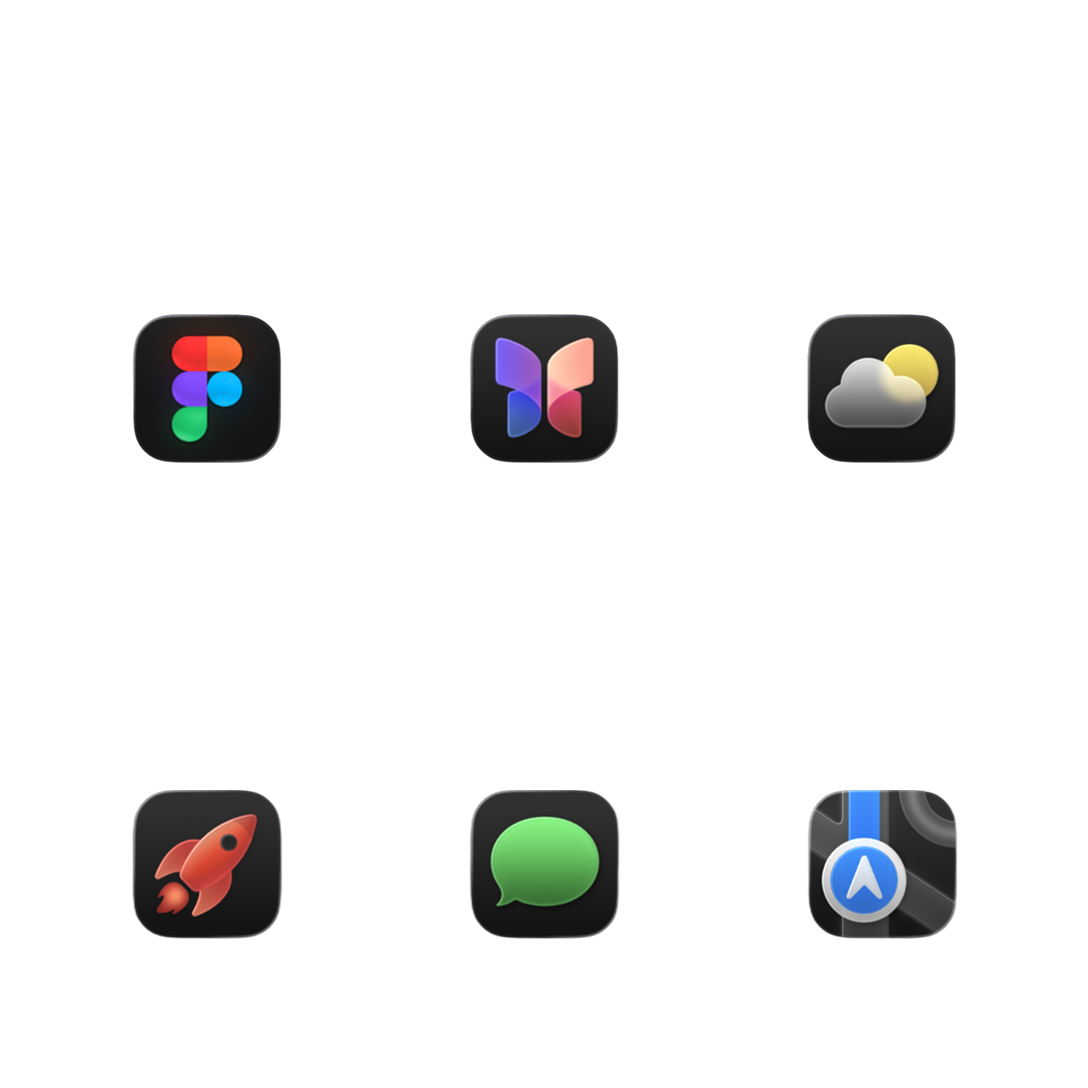
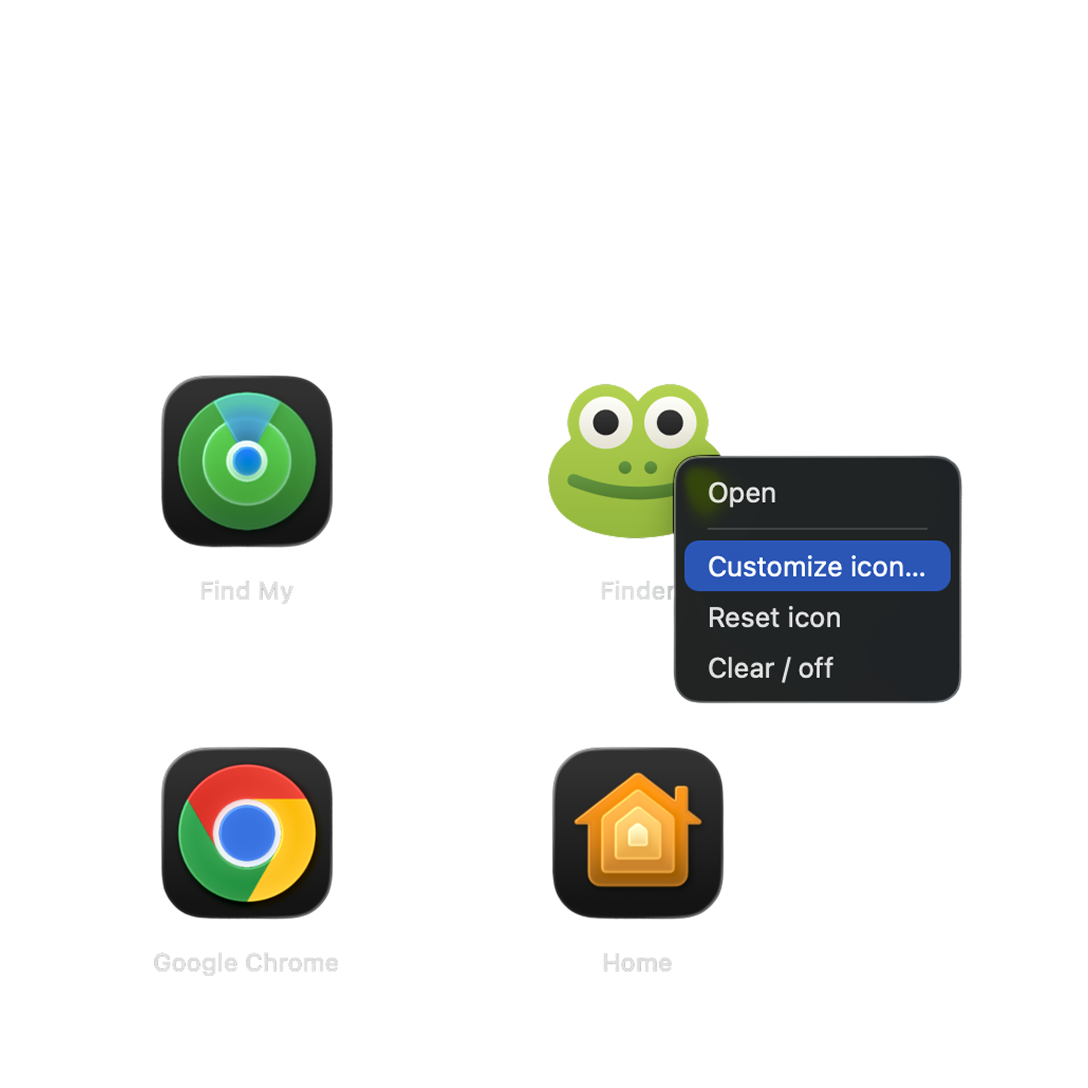
Change any app icons
to follow your style
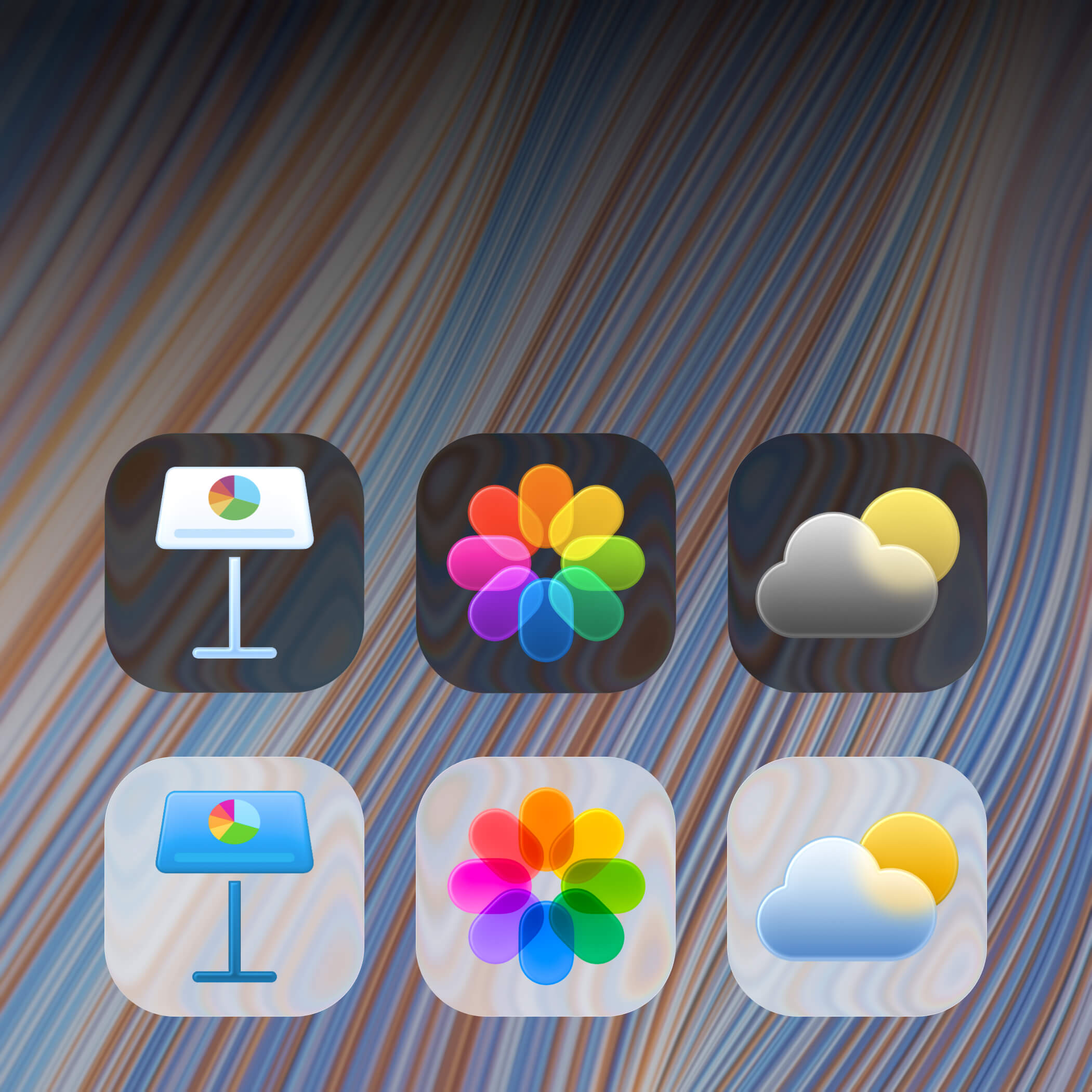
A unified style with Glass
and colored icons.

Set animated live wallpapers to match your mood in the moment. They'll make LaunchMe always fit your style and surroundings.
You can use MP4, MOV, AVI, MKV formats.
Everything you loved about Launchpad, plus live video wallpapers, widgets, file access, and deep customization — built for macOS 26 Tahoe.















LaunchMe supports interface localization in major global languages, helping users launch apps and organize workflows in their native language on macOS 26 Tahoe.
 English
 German
 Spanish
 Portuguese
 Turkish
 French
 Portuguese (Portugal)
 Korean
 Chinese
 Japanese
 Hindi
Hindi
 Russian
 Italian
 Vietnamese
Soon
Vietnamese
Soon
 Indonesian
Soon
Indonesian
Soon
 Ukrainian
Soon
Ukrainian
Soon
 Filipino
Soon
Filipino
Soon
 Polish
Soon
Polish
Soon
Yes. LaunchMe is built specifically as a Launchpad replacement for macOS 26 Tahoe. It restores the full-screen app launcher experience with more customization, file search, and folder support. Read our comparison with other launchers.
As macOS Tahoe removed the original Launchpad, but we loved it so much, we decided to create our own version of it - the way macOS deserves. It has customization options to let users make their workspace more inspiring and perfect for them. Also, you can group apps and folders for fast access to your files right from LaunchMe. Folders are also customizable, and you can set your own color, cover image, or emoji.
Download LaunchMe from the Mac App Store - it's easy. You can use it for free, or unlock full access with a subscription or a lifetime license.
Yes. You can use the 7-day Free Trial to try out LaunchMe PRO. Purchase LaunchMe PRO or LITE to unlock premium features.
In PRO, you will get access to all premium features of LaunchMe such as wallpapers, folder customization, hide apps, hide titles, Liquid Glass Theme, and many other features we will add in the future. LITE is made for users who don't need customization but want to support us and still get part of the premium features such as Liquid Glass, Hide Apps, and Hide Titles.
Yes, we have 3 types of wallpaper:
• Image: choose any image you want in .PNG or .JPG.
• Dynamic: this wallpaper will adapt to your current Dark/Light mode. Use .HEIC format.
• Live: set your video file in formats: MP4, MOV, AVI, MKV.
LaunchMe is optimized not to impact your system and uses minimal resources. When LaunchMe is hidden, it uses none of your resources and all processes are paused until you open the window.
Yes. LaunchMe will open a full-screen window on the monitor where your cursor is located. Make sure your cursor is not located on a display with another full-screen app.
No. You only need to be logged in to your Apple iCloud account on your Mac. Your subscription will be managed by Apple.
Yes. You can cancel anytime in the subscription manager of your Apple Account.
LaunchMe needs user permission to launch apps on your computer and read the Applications folder. LaunchMe does not collect any information from your computer. All information needed for LaunchMe to work (like apps or folder paths) is managed locally on your computer.
Yes! The gesture feature is a private macOS feature, and Apple does not allow us to use it in AppStore. But you can download our small free background app LaunchMe – Gestures that allows you to use trackpad to invoke LaunchMe. Learn more here
LaunchMe is the best replacement for Launchpad on macOS 26 Tahoe. When Apple removed Launchpad in macOS 26 Tahoe, LaunchMe was created to fill that gap with even more features than the original Launchpad had.
LaunchMe offers everything Launchpad had, plus:
LaunchMe is available on the Mac App Store and works on macOS 26 Tahoe
Since Apple removed Launchpad in macOS 26 Tahoe, you can't get the original Launchpad back. However, LaunchMe provides a full replacement that works exactly like Launchpad, but with more customization options.
To get LaunchMe (Launchpad replacement):
LaunchMe opens in full-screen mode just like Launchpad did, and you can use it immediately after installation. It's free to use with basic features, and you can unlock premium features with a subscription or lifetime license.
Yes, LaunchMe is a customizable app launcher for Mac that supports both live wallpapers and widgets — features that the original macOS Launchpad never had.
Live Wallpapers: LaunchMe supports live video wallpapers in MP4, MOV, AVI, and MKV formats. You can set any video file as your launcher background, creating a dynamic and personalized experience. LaunchMe also supports static images (PNG, JPG) and dynamic wallpapers (HEIC) that adapt to your system's Dark/Light mode.
Widgets: LaunchMe includes widgets support, allowing you to add GIF, Photo, Shapes, Text, Animations, Calendar and more widgets in future.
Additional customization: Beyond wallpapers and widgets, LaunchMe lets you customize folder styles, app icons, icon sizes, layouts, and system icon themes. All of these features are available in LaunchMe PRO.
LaunchMe includes all the core functionality of the original macOS Launchpad, but adds significant customization and features that Launchpad never had.
What LaunchMe has that Launchpad had:
What LaunchMe adds beyond Launchpad:
Most importantly, LaunchMe works on macOS 26 Tahoe, where Launchpad was removed by Apple.
Learn how to get Launchpad back on macOS 26 Tahoe and compare LaunchMe with other app launchers.