
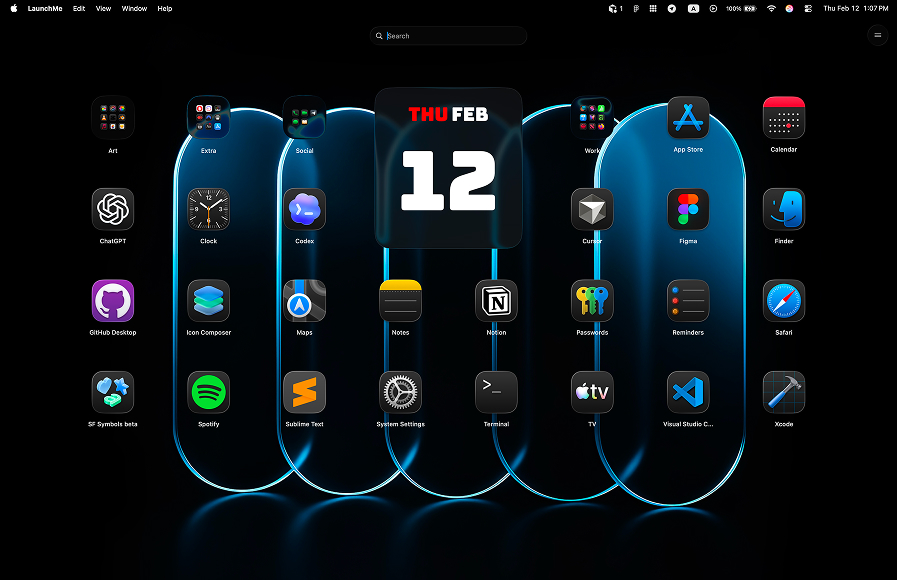
LaunchMe vs BuhoLaunchpad. Better Launchpad Replacement for macOS 26
If you are choosing between LaunchMe and BuhoLaunchpad after the Launchpad removal in macOS 26 Tahoe, this guide gives you a practical breakdown: free vs paid access, daily workflow speed, and what you actually get without paying.
LaunchMe vs BuhoLaunchpad: quick summary
BuhoLaunchpad is focused on restoring a familiar Launchpad-like grid. LaunchMe is built as a broader daily workflow launcher: fast activation, richer customization, and more useful features available in Free.
Feature comparison table
This table shows LaunchMe Free vs Pro and what is available in BuhoLaunchpad. It includes pricing gates for key workflow features such as Save Layouts, Gesture Invoke, and Auto System Icon Style.
How we compared LaunchMe and BuhoLaunchpad
We compared both tools on the same criteria: feature access in Free, activation speed, organization flow, icon style behavior, and installation/distribution method.
Sources: Download LaunchMe, BuhoLaunchpad official page.
Where BuhoLaunchpad is limited
Paid-first model for core workflow features
For many users, the most important point is value before purchase. In this comparison setup, BuhoLaunchpad is treated as paid-first with only a 7-day trial period, while LaunchMe keeps these workflow features available in Free.
In the comparison table, BuhoLaunchpad is marked as PAID for: Save Layouts, Gesture Invoke, and Auto System Icon Style.
No Mac App Store installation
BuhoLaunchpad is distributed from the vendor website and is not installed from the Mac App Store. LaunchMe is available directly in the Mac App Store, which gives users a familiar install/update channel.
Why LaunchMe is better for everyday macOS workflow
- More utility in Free: Search Files, Clipboard, and Calculator are built in.
- Faster access in Free: Hot Corners and Gesture Invoke are available without extra paywall setup.
- Cleaner long-term organization: categories, layout controls, and practical visual customization.
- App Store distribution: easy install and updates from the same store workflow many users already trust.
Pricing and value
LaunchMe has a very flexible pricing model: you can use a large set of features for free, or choose the Pro plan format that fits you best - Monthly subscription, Yearly subscription, or Lifetime purchase. This way, each user can pick the best option for their own workflow and budget.
LaunchMe Free already covers real daily launcher workflow. If you want deeper visual customization, you can still move to Pro later. This creates a lower-risk path compared with a paid-first setup.
Try Pro features free for 7 days: you can test advanced LaunchMe customization first, then decide if you need Pro.
Verdict: LaunchMe is the better choice vs BuhoLaunchpad
If you want the best balance of features, speed, and value on macOS 26 Tahoe, LaunchMe is the stronger choice. You get more practical capability in Free and fewer workflow limitations from day one.